Hours
Start the timer. Invoice the hours later.
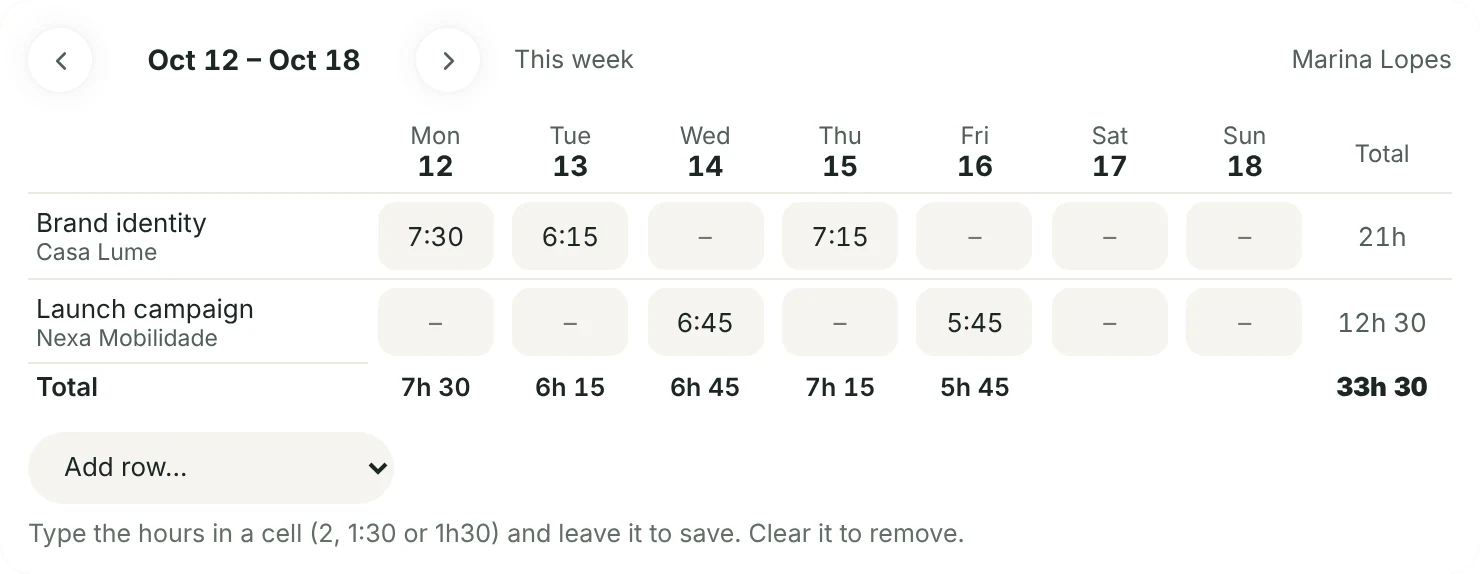
Start it on a task or a project and it floats at the foot of the screen while you work. Rather fill it in later? The week’s sheet takes 2, 1:30 or 1h30.
- Each entry billable or not, with a note
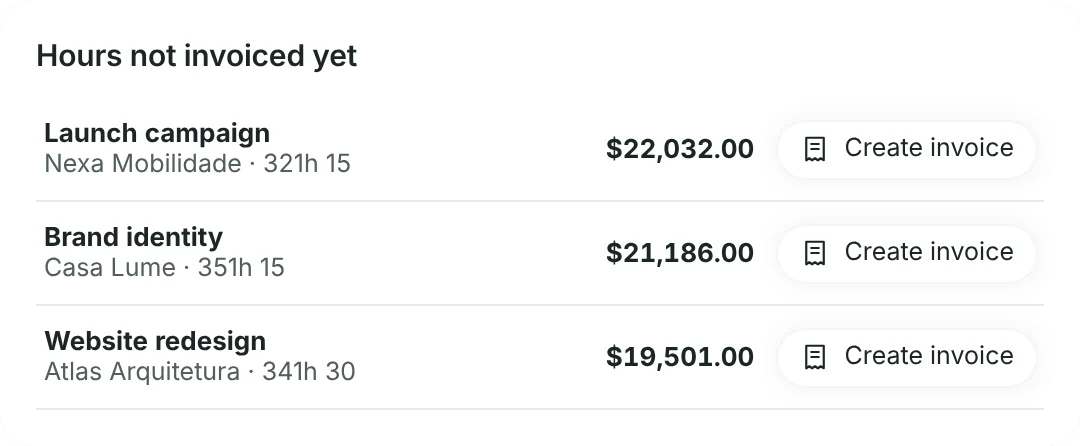
- Hours not invoiced yet become an invoice at each person’s hourly rate, one line per task or per person
- Hours by period, project and person, with a CSV export

Workload
See who’s full before you hand over one more task.
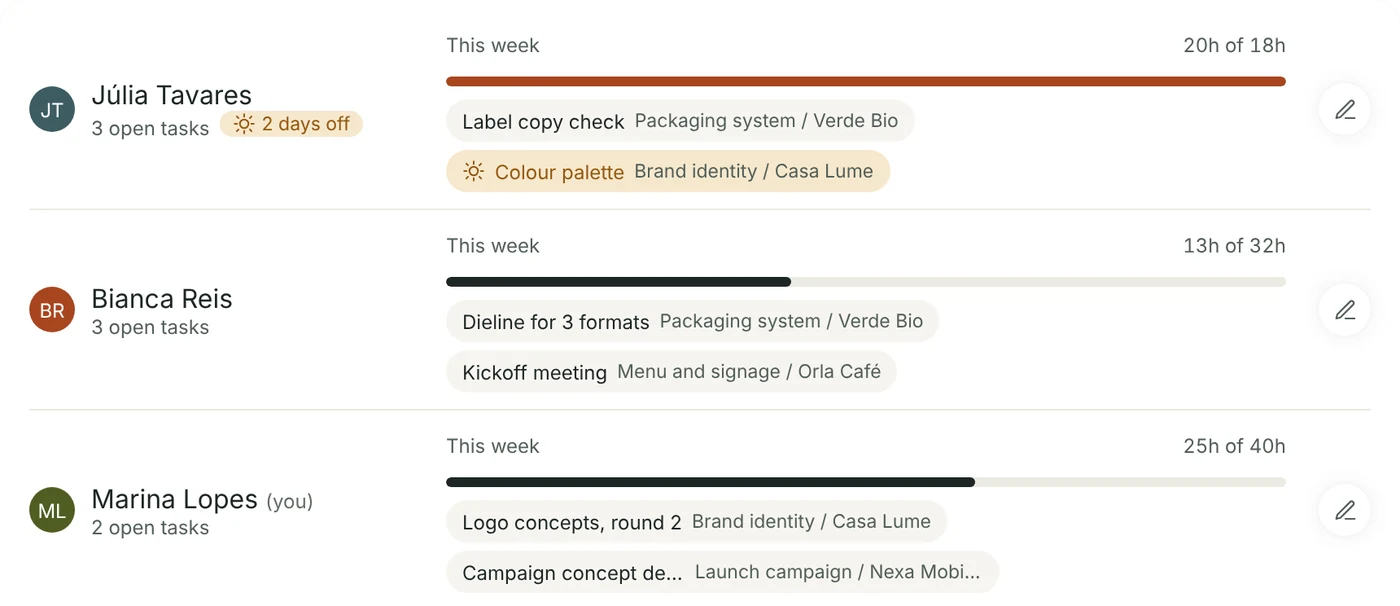
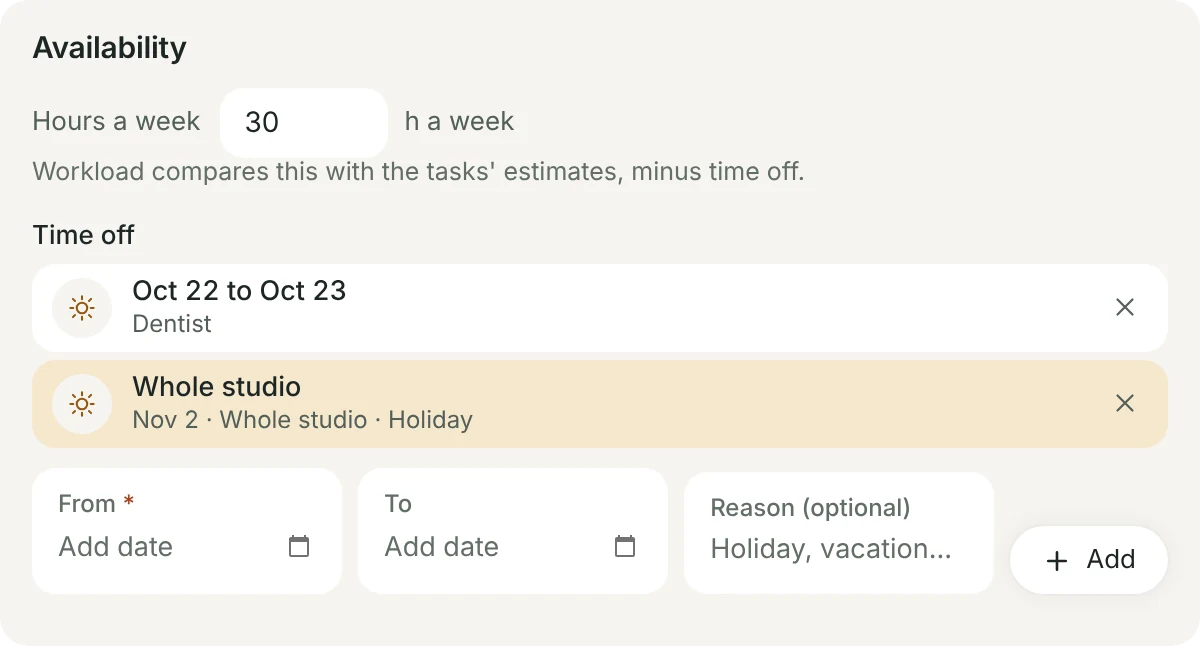
Set each person’s hours a week and give tasks an estimate (1h30, 45min). Workload shows how much of the week is planned, such as 4.5h of 8h, with time off taken out, and turns red when it goes over.
- A task with several people is split between them
- Drag a task to someone else; on a phone or tablet, touch and hold
- Without hours set, the person keeps a count of open tasks
Time off
Mark time off once. It’s respected everywhere.
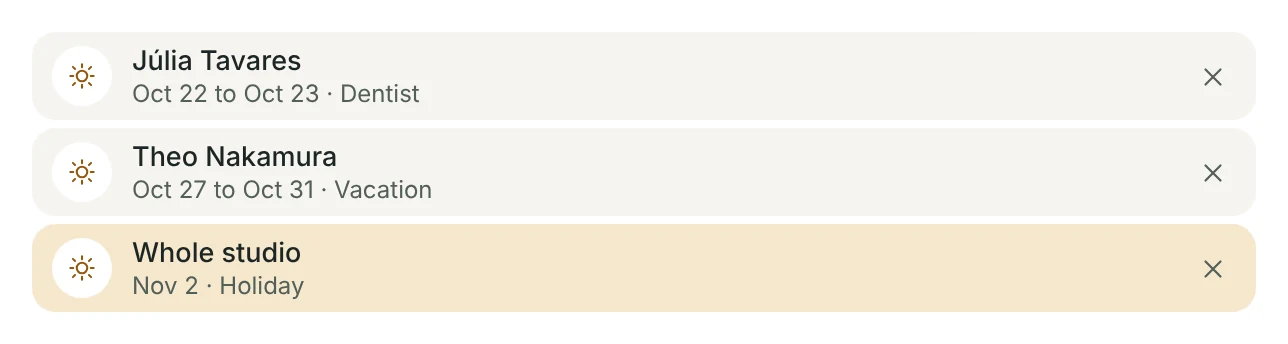
Each person marks their own days off; the owner and admins mark everyone’s, and the studio’s holidays.
- On the calendar, with a sun on each day off
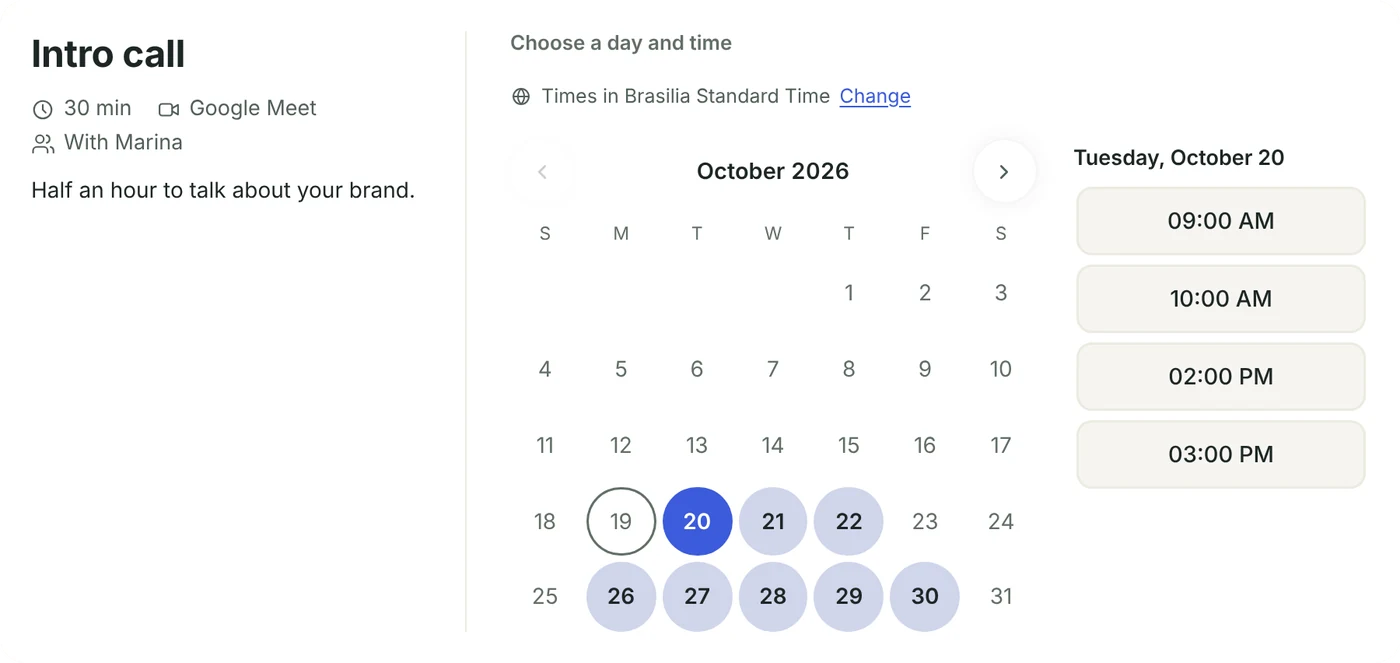
- Scheduling links offer no times on those days
- Pick a due date on someone’s day off and the task form says so
Team and roles
Everyone sees what they need. The rest stays closed.
Invite the team by e-mail and pick a role. A freelancer sees only the projects you tick for them, without money or other clients.
- Owner, admin, member, viewer and freelancer
- Switch areas off for one person, such as Finances
- A teammate can ask to join from the sign-up screen; it reaches your bell and you invite them in one click

Monthly report
The studio’s month on one page.
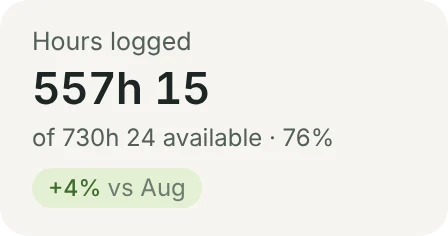
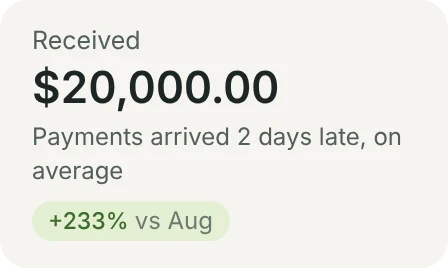
Hours against what each person had available, deadlines met, what came in and how long clients took to approve. Each headline number is compared with the month before.
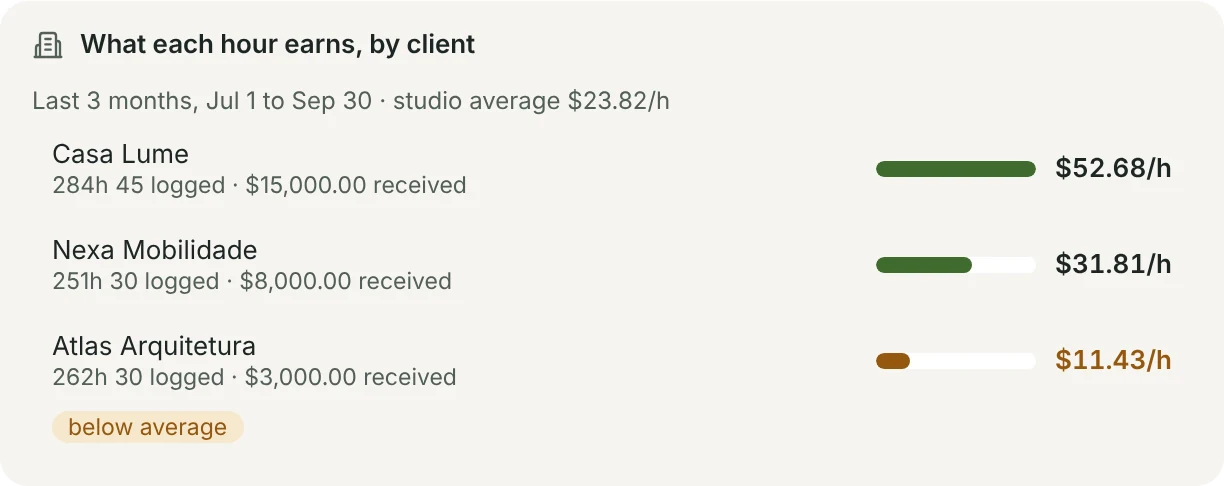
- What each hour earns, by client, over the last 3 months
- Clients well below the studio’s average are flagged
- For the owner and admins