Ready-made questionnaires, in three languages.
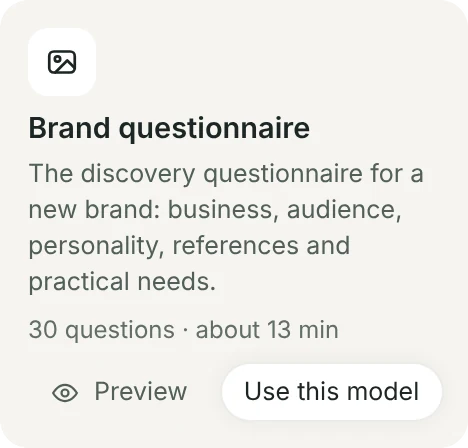
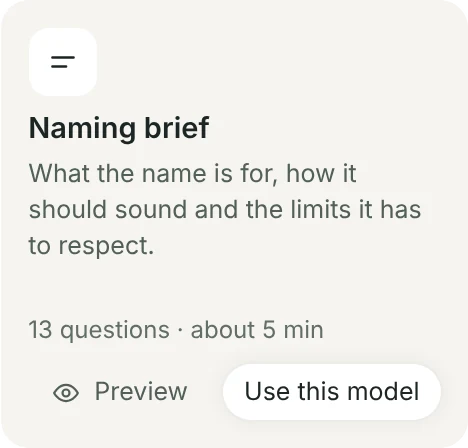
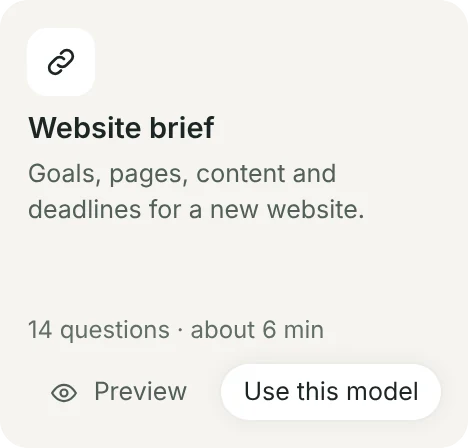
gridOS comes with a brand questionnaire, naming and website briefs and a testimonial request, in English, Portuguese and Spanish. Use them as they are, adjust them, or start from scratch.
- Sections with an introduction, and required or optional questions
- Questions that only show up depending on an earlier answer
- Preview on a phone and on a computer before you send
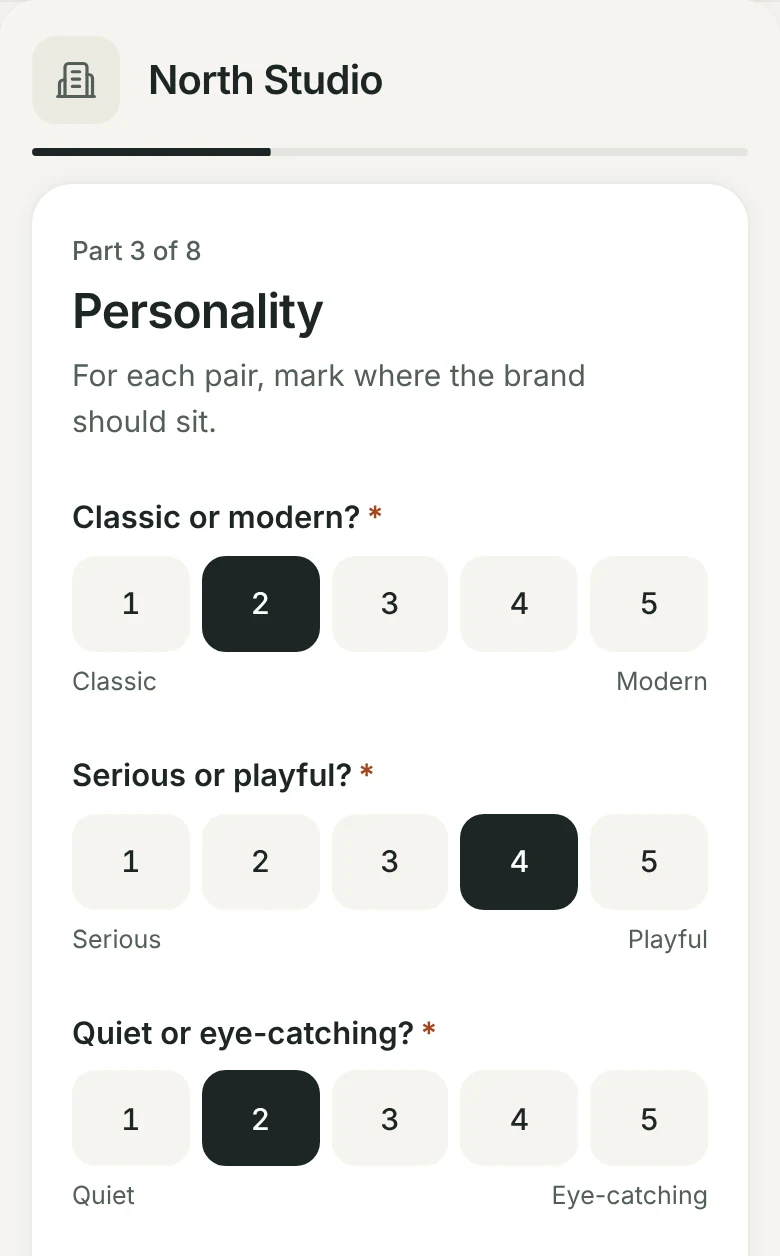
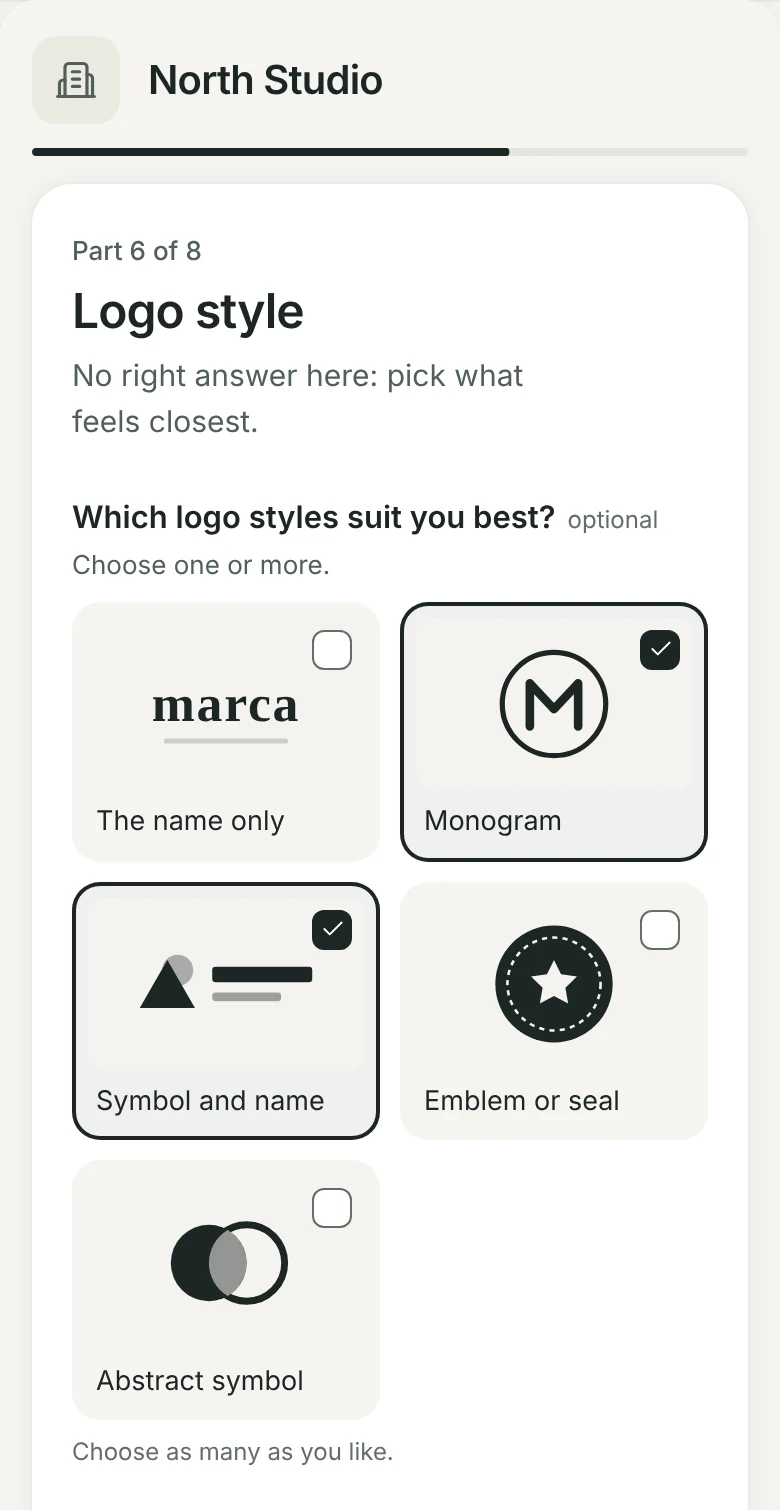
More than text: scales, pictures and files.
Short or long text, single or multiple choice, scale, date, a list of links, file uploads and picture choice. All made to be answered on a phone.
- Answers save as they type, so they can carry on later on any device
- Offline, it keeps the answers on the device and saves when the connection is back
- With your studio’s logo and colour
By e-mail, in the portal, or the moment they accept.
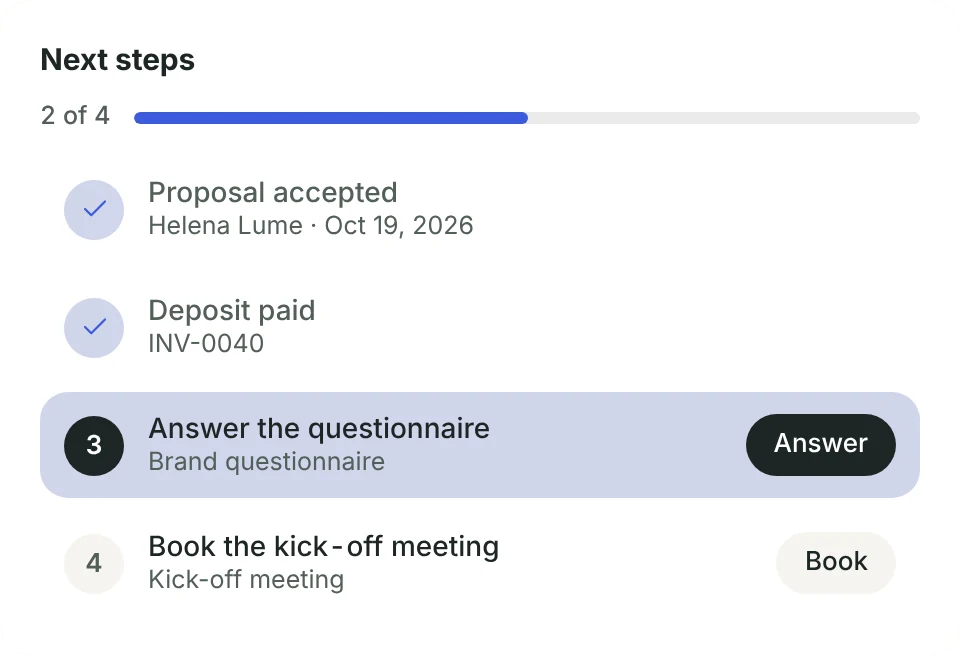
Send it from the client’s page and pick the project. They get it by e-mail and find it in the portal, ready to pick up where they left off. Or let it go out on its own when the proposal is accepted.
- Track each one: sent, in progress or answered
- Copy the link to send it any way you like
- A completed project can ask the client for a testimonial on its own

The answers become the project brief.
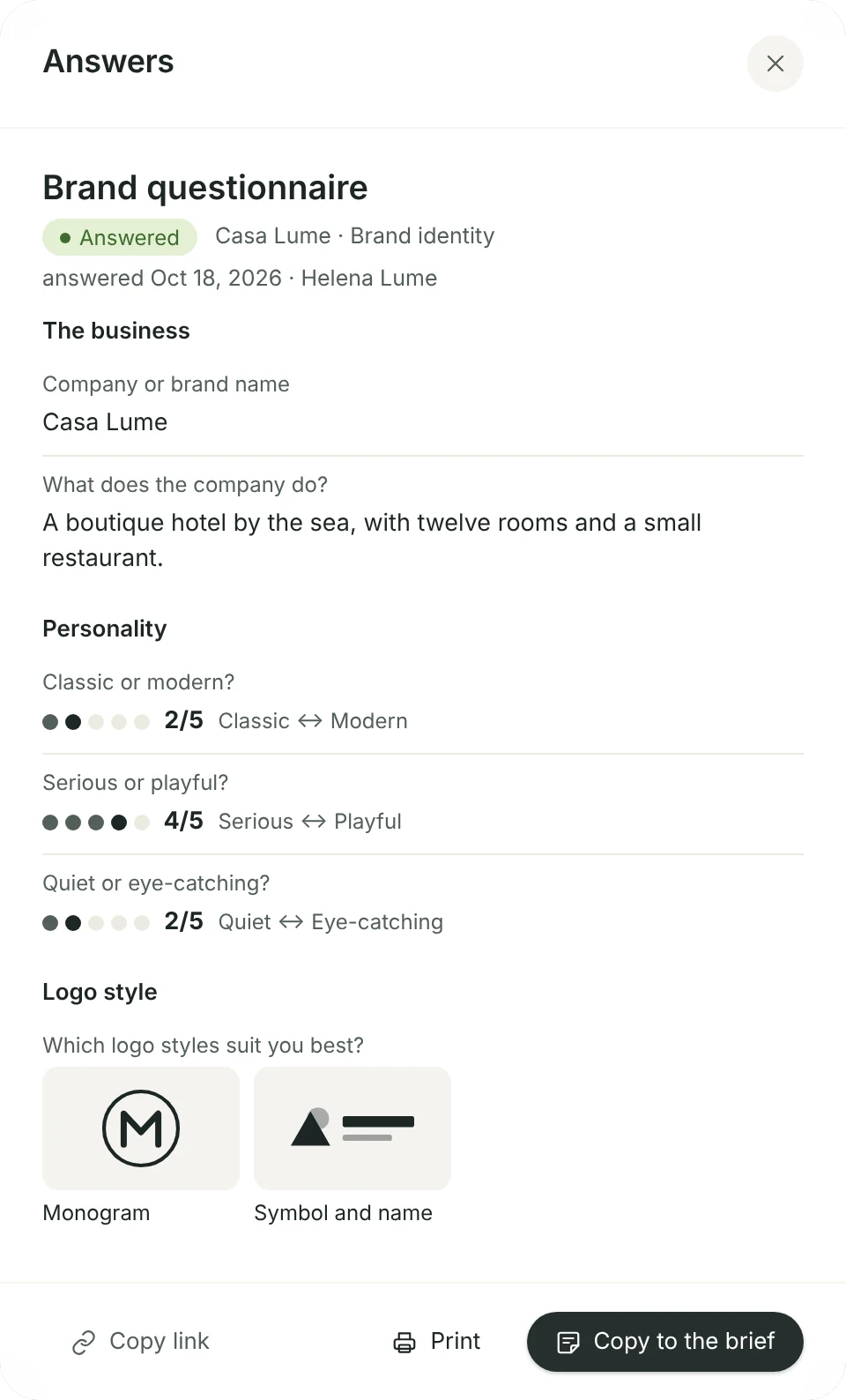
Open the answers, sorted by section, and tap Copy to the brief. Scales, chosen pictures and links appear just as the client marked them.
- An automation copies them as soon as the questionnaire is answered and lets whoever you choose know
- Uploaded files go into a folder of the client’s in Files
- Print the answers to take to the meeting
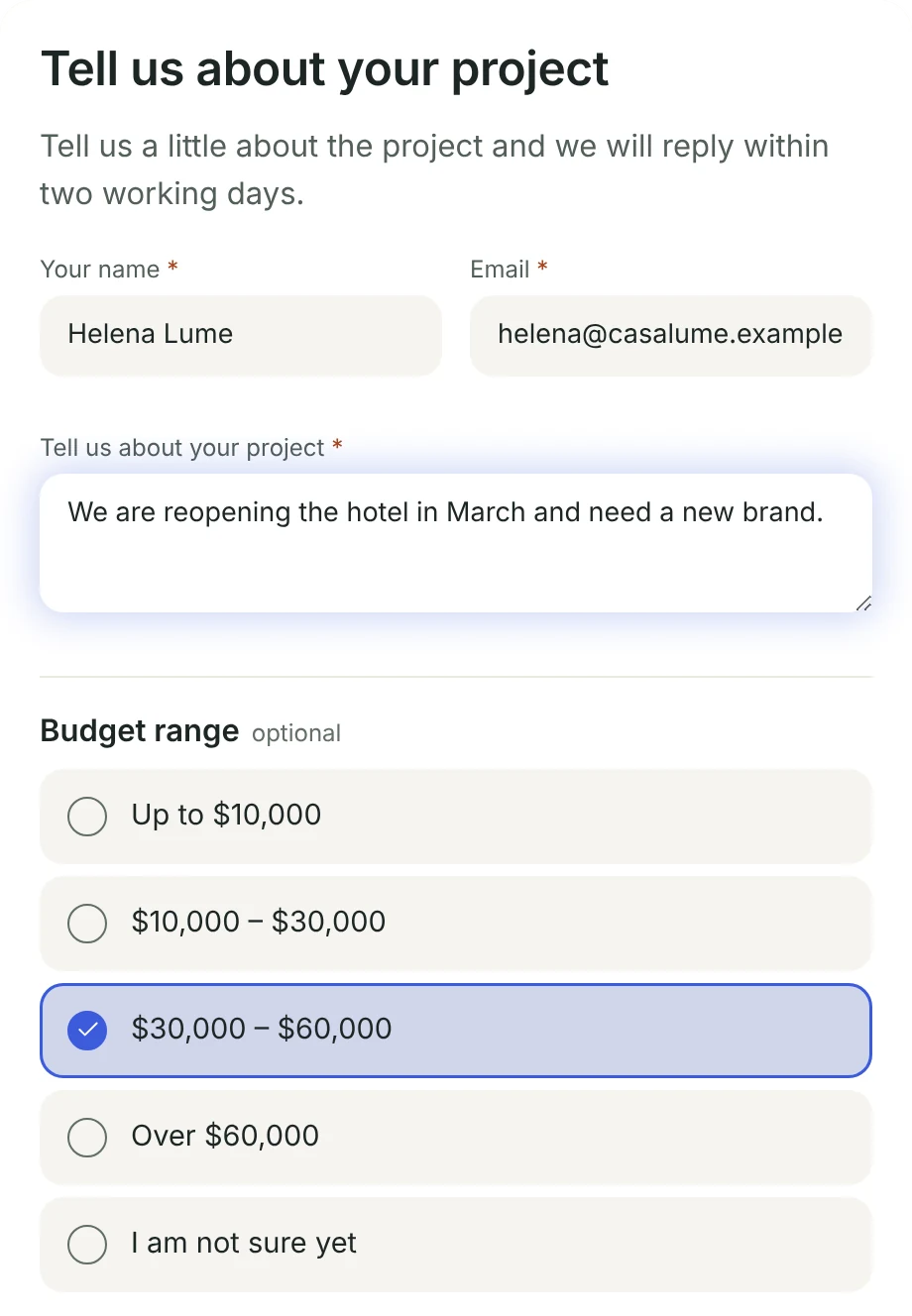
A form on your website that turns into leads.
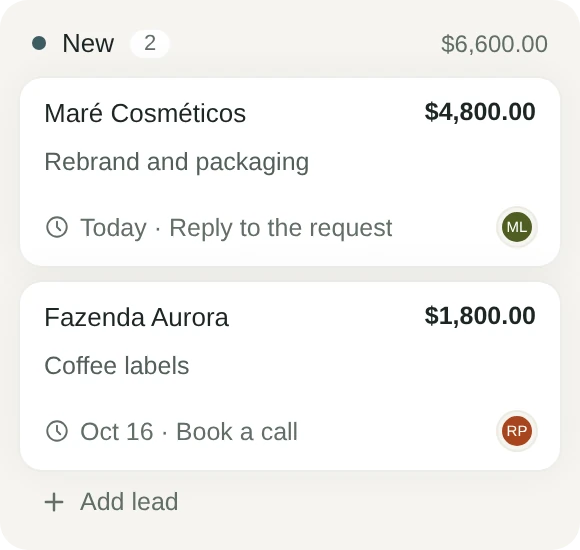
Turn on the public form, copy the link and put it on your website, in your Instagram bio or in your e-mail signature. Requests from your site land in Clients › Pipeline as new leads.
- Ask for a budget range, a deadline, references and files
- An automation hands the lead to someone, with a follow-up date
- Scheduling links ask questions too, or use one of your forms