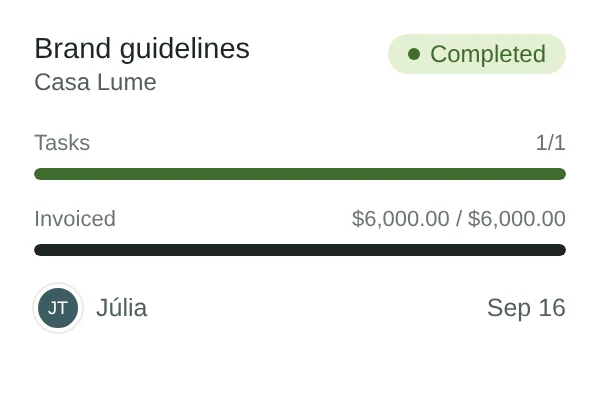
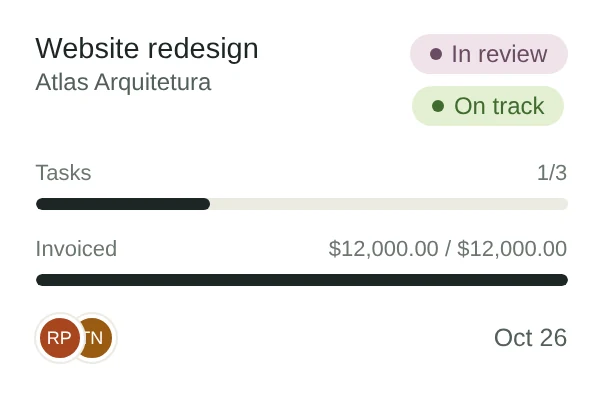
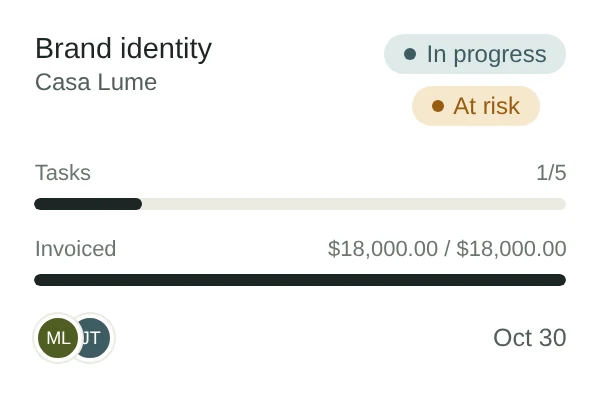
See where every project stands.
Status, budget, deadline and owner. Without opening three tabs.
- On track, at risk or late, flagged on their own.
- Brief, notes, files, hours and invoices inside the project.
- Two clients or two projects merged into one, with Undo.
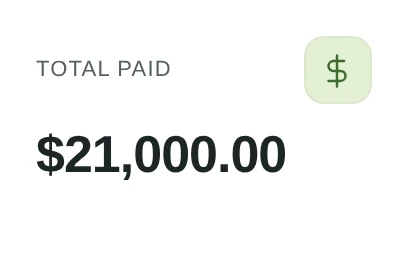
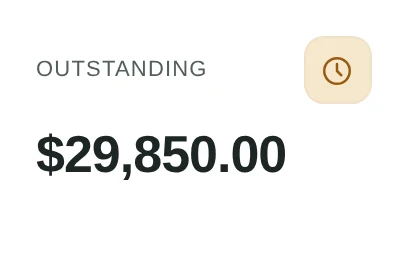
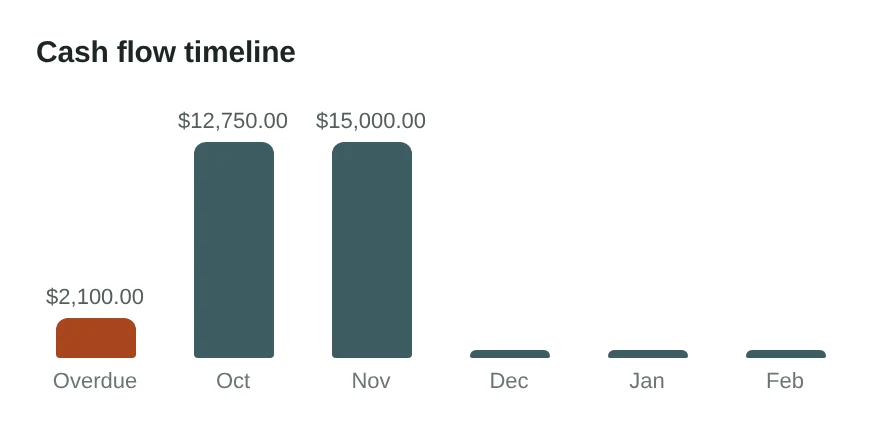
Everything that comes in and goes out. In one place.
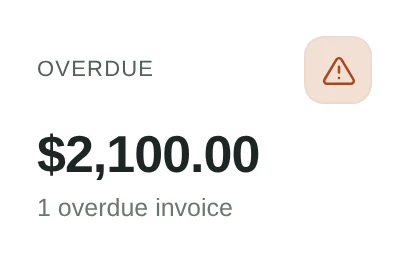
Invoices, expenses, hours and the month’s overview in four tabs of Payments, with one period for all of them.
- Pix, boleto and card through your Asaas account, marked paid on their own.
- The NFS-e from the invoice, and a PDF with your logo in reais, dollars or euros.
- Expenses with receipts, billed to the client in one step.
Approvals, without another login.
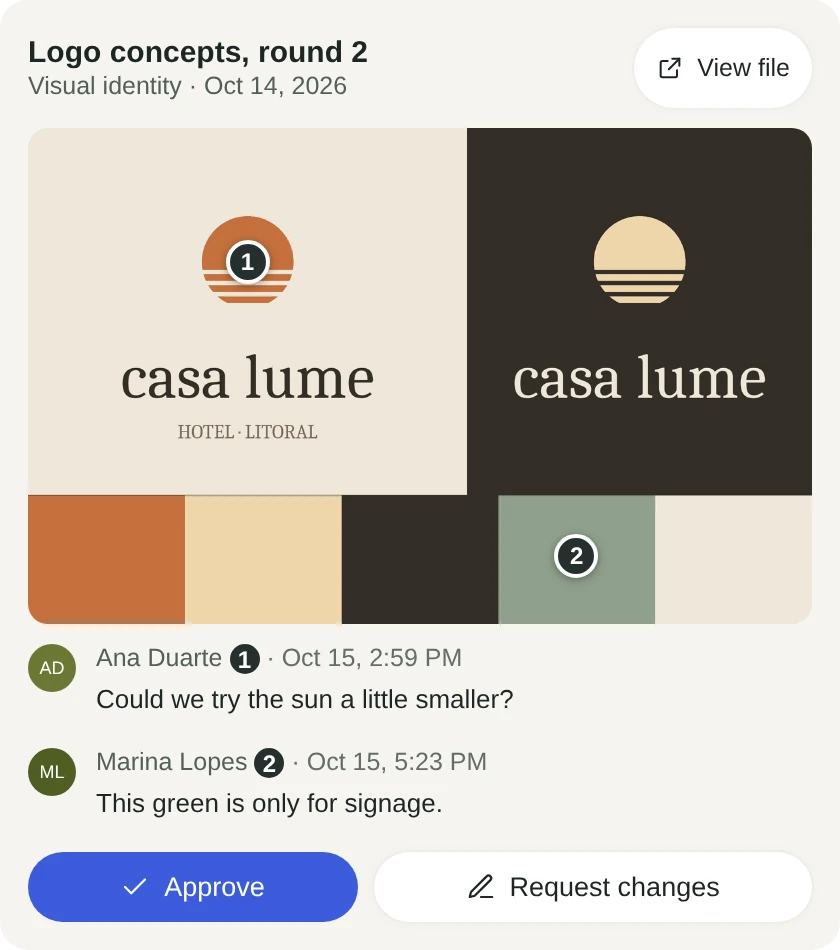
Each client gets a page in your brand. They open it from your link, on any device, without an account.
- Comments pinned on a PDF page or a moment in a video.
- Invoices to pay, proposals to accept and contracts to sign.
- In your client’s language: English, Portuguese or Spanish.

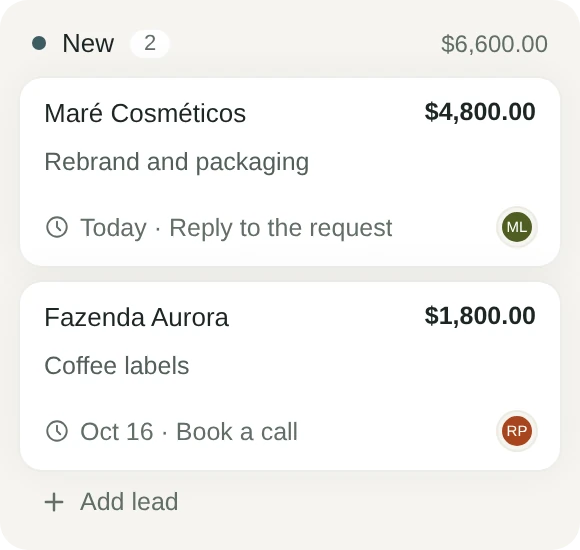
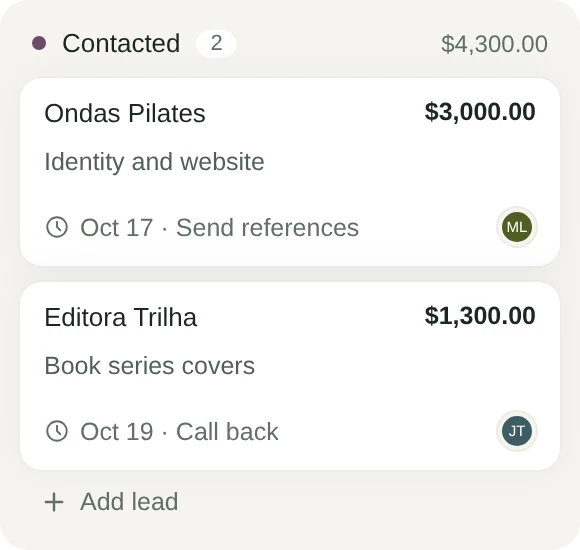
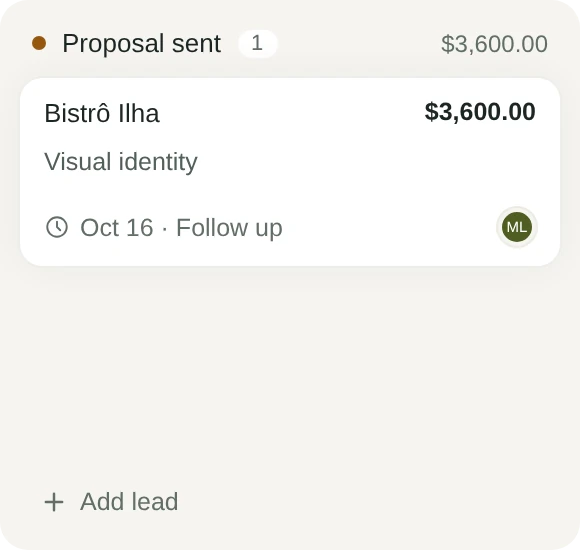
New clients, and none forgotten.
Requests from your site’s form and bookings from your links come in on their own. You drag each lead to the next stage.
- Your own stages, with value, source, tags and a board or a list.
- Follow-ups on a date, and a warning when a lead goes quiet.
- Expected closings by month, and win rate by source.
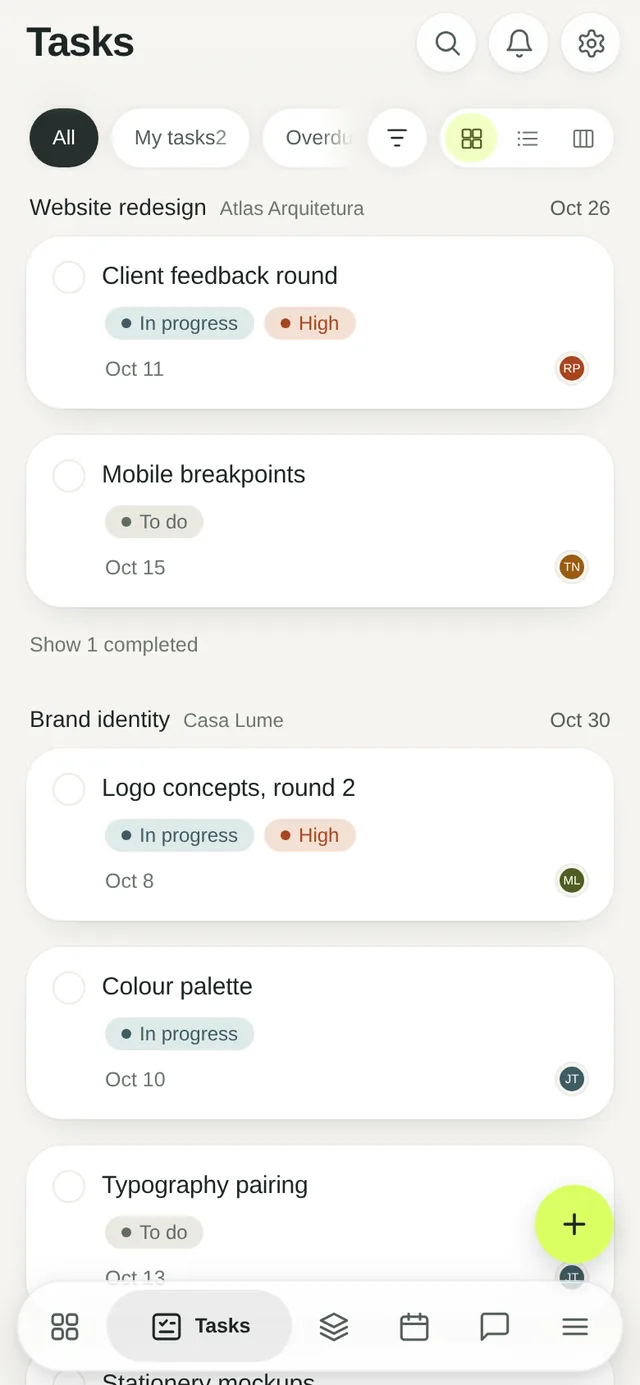
Tasks the team actually keeps up to date.
A board for the week. A list for the detail. A timer for the hours.
- Repeating tasks: tick one done and the next appears.
- Start and stop a timer, or log the hours by hand.
- Start a project from a template with its tasks ready.
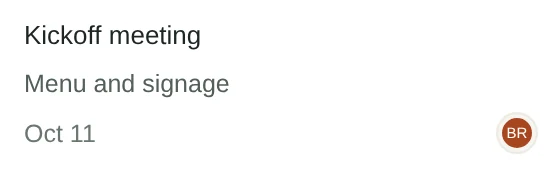
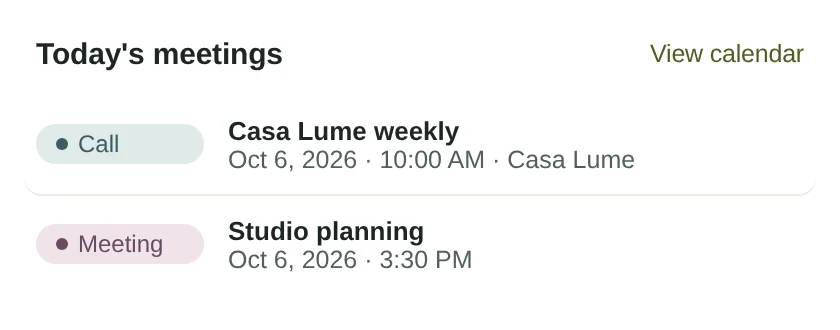
Meetings and deadlines. One calendar.
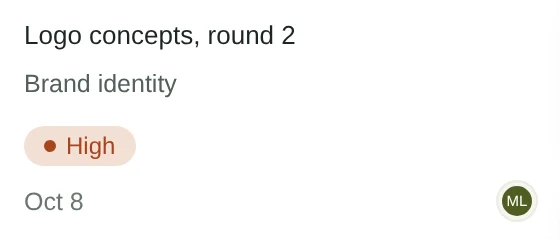
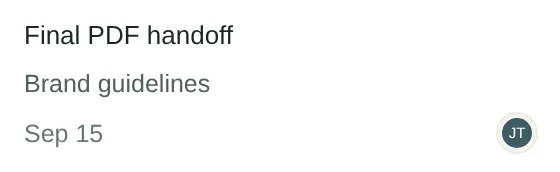
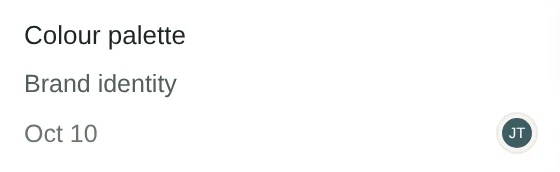
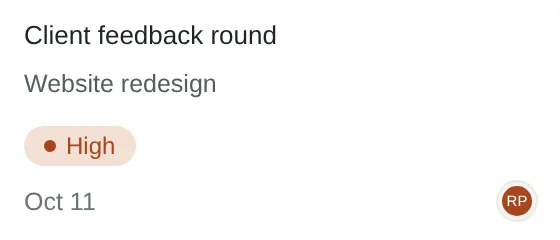
Every event is tied to its client and project. Every deadline shows on its day.
- Tasks, invoices and project ends on the calendar.
- In sync with Google Calendar and Outlook.
- Reminders on the phone, from 5 minutes to a day before.

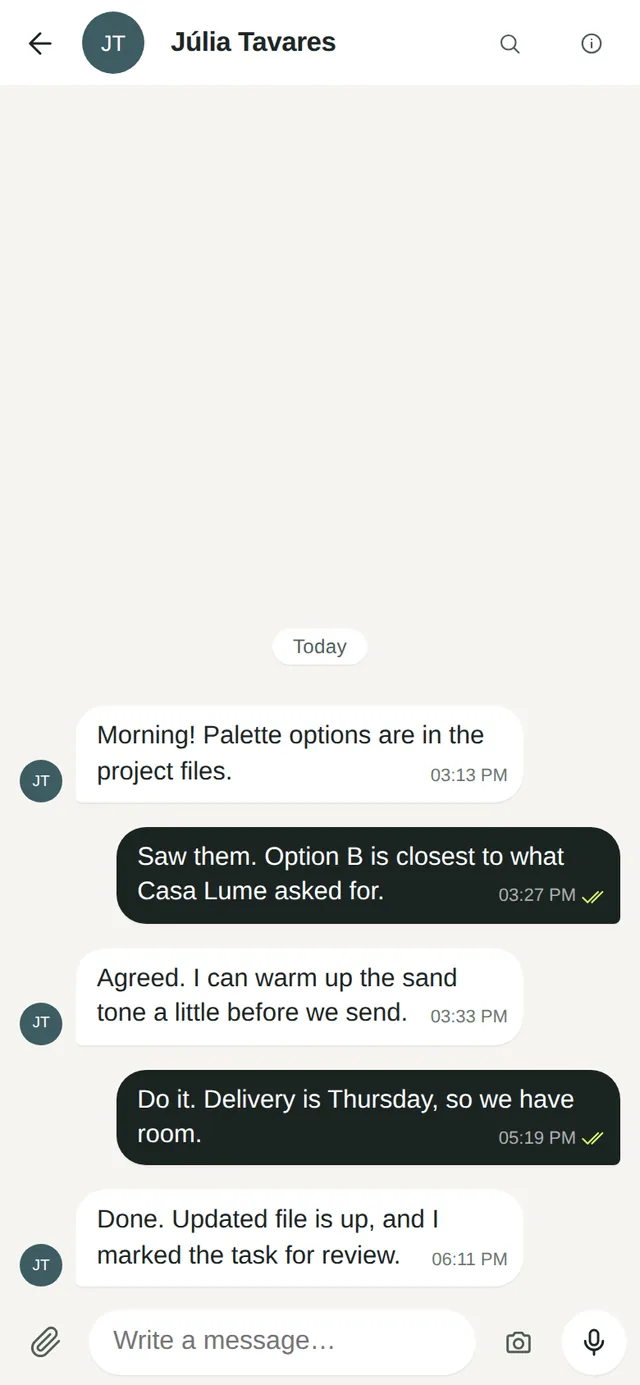
Team chat, next to the work.
Stop hunting for that decision in a personal messaging app. The conversation stays with the studio.
- Direct messages and channels, with threads.
- Search every message you can see.
- Files, voice notes, reactions. Channels you can archive.





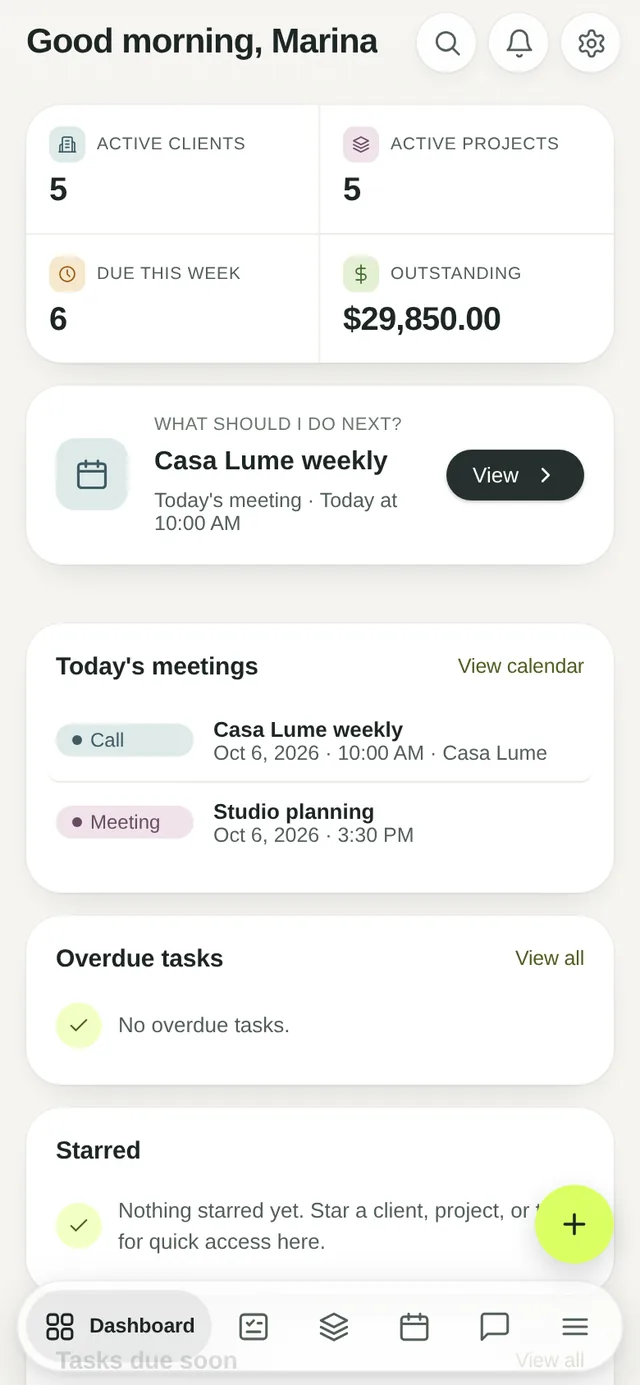
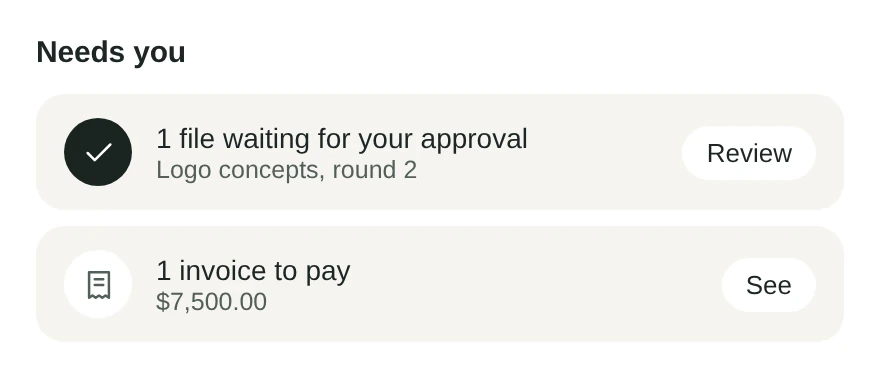
Start the day knowing what needs you.
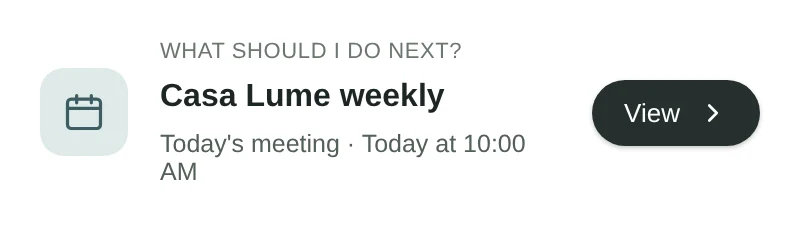
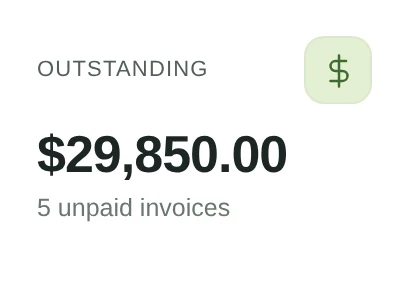
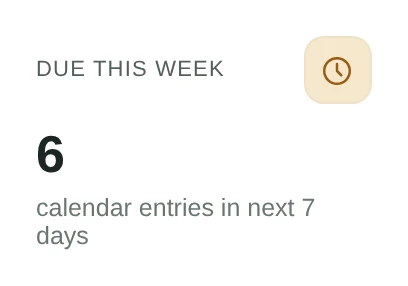
Today’s meetings, what is due this week and what is still unpaid. On one screen.
- A suggested next step, picked by urgency.
- Lead follow-ups due today.
- An overview for the owner: money, pipeline and people.
The whole studio. In your pocket.
Add gridOS to your home screen and it opens like an app, with the same data as your computer.
- iPhone and Android. Nothing to download from a store.
- Swipe, hold and pull like the apps you know.
- Changes made offline are kept and sent when you are back.