A folder for every client. And one just for you.
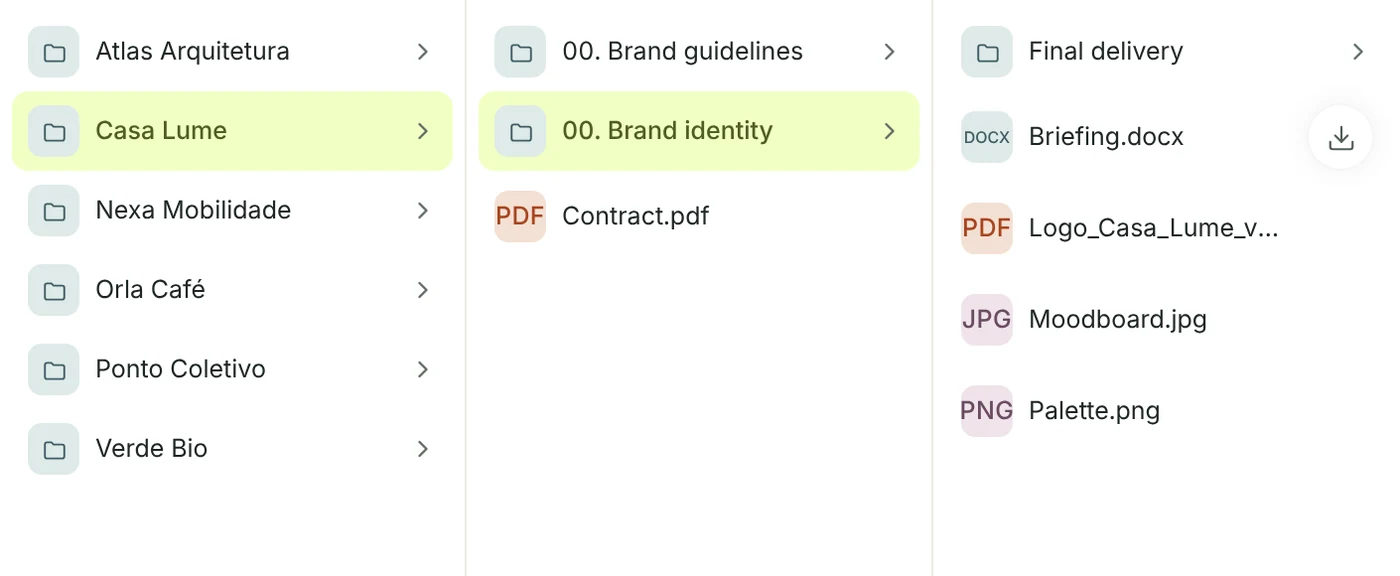
Files comes with a folder for each client and, inside it, one for each project. Drag files in, make folders, and keep what’s yours alone in Private.
- List, grid or columns, with search in the folder and the rest
- Move, rename and download a whole folder as a .zip
- Mention a teammate on a file, or e-mail a link that lasts 7 days
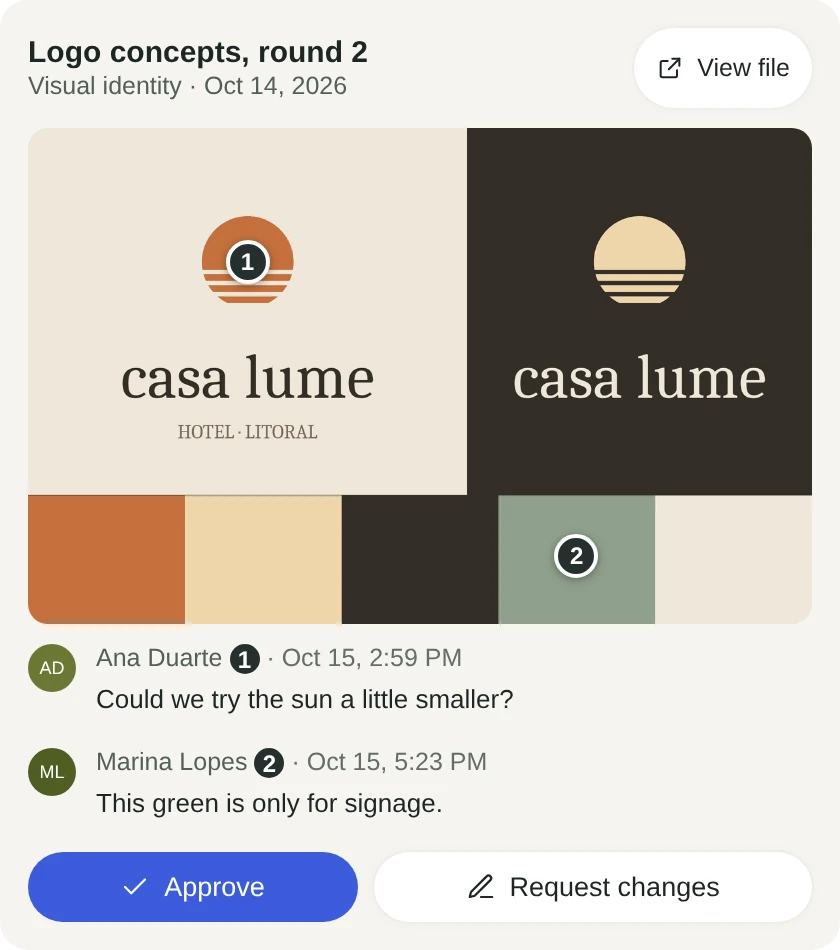
Comments land on the exact spot.
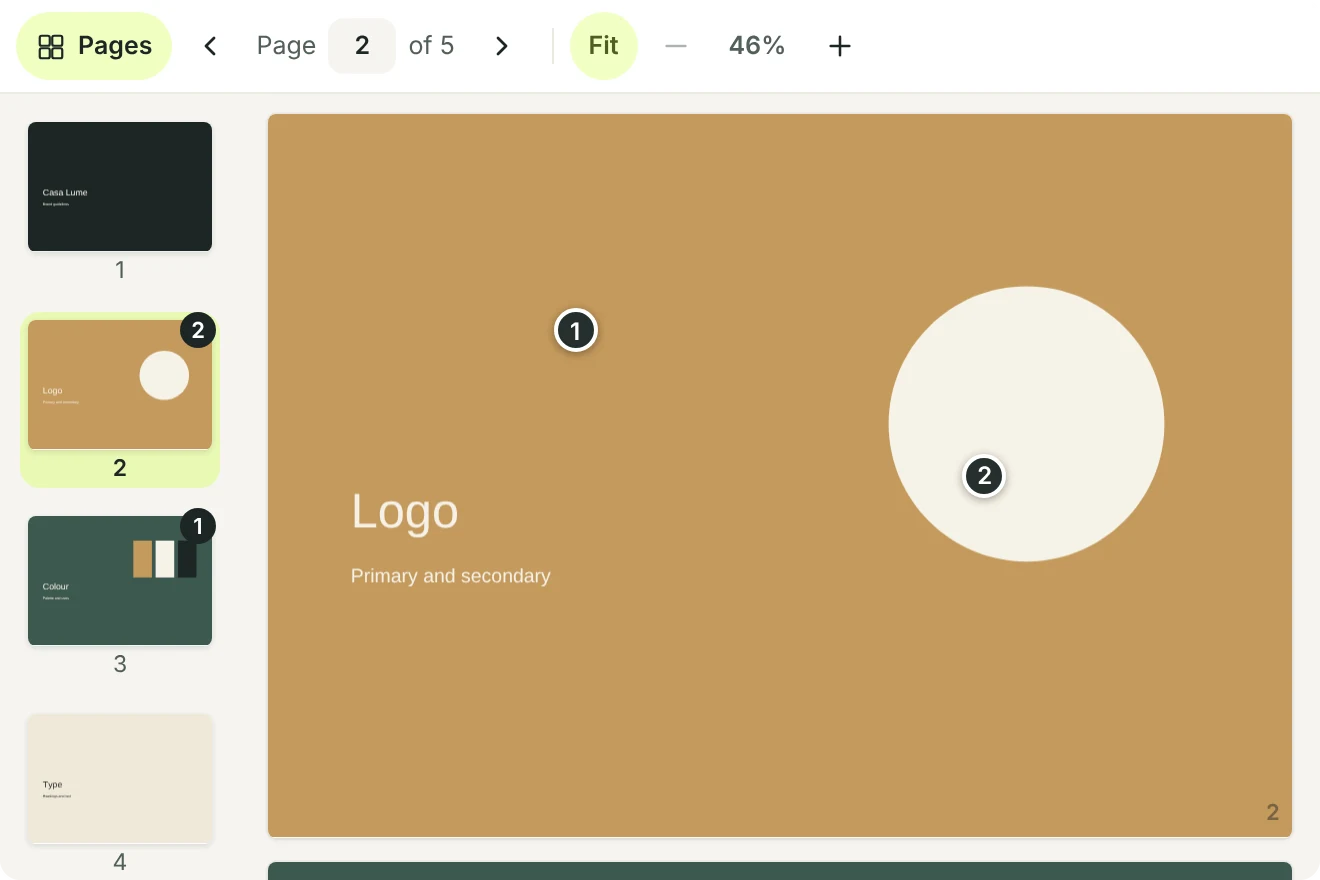
Send an image, a PDF or a video for approval. The client clicks where they want a change and writes it down, pinned to the spot on the image, the PDF page or that second of the video.
- Figma, Adobe XD, Canva, YouTube and Vimeo links work too
- Pick the file straight from Google Drive or Dropbox
- PDFs show their pages as thumbnails, with each page’s comments
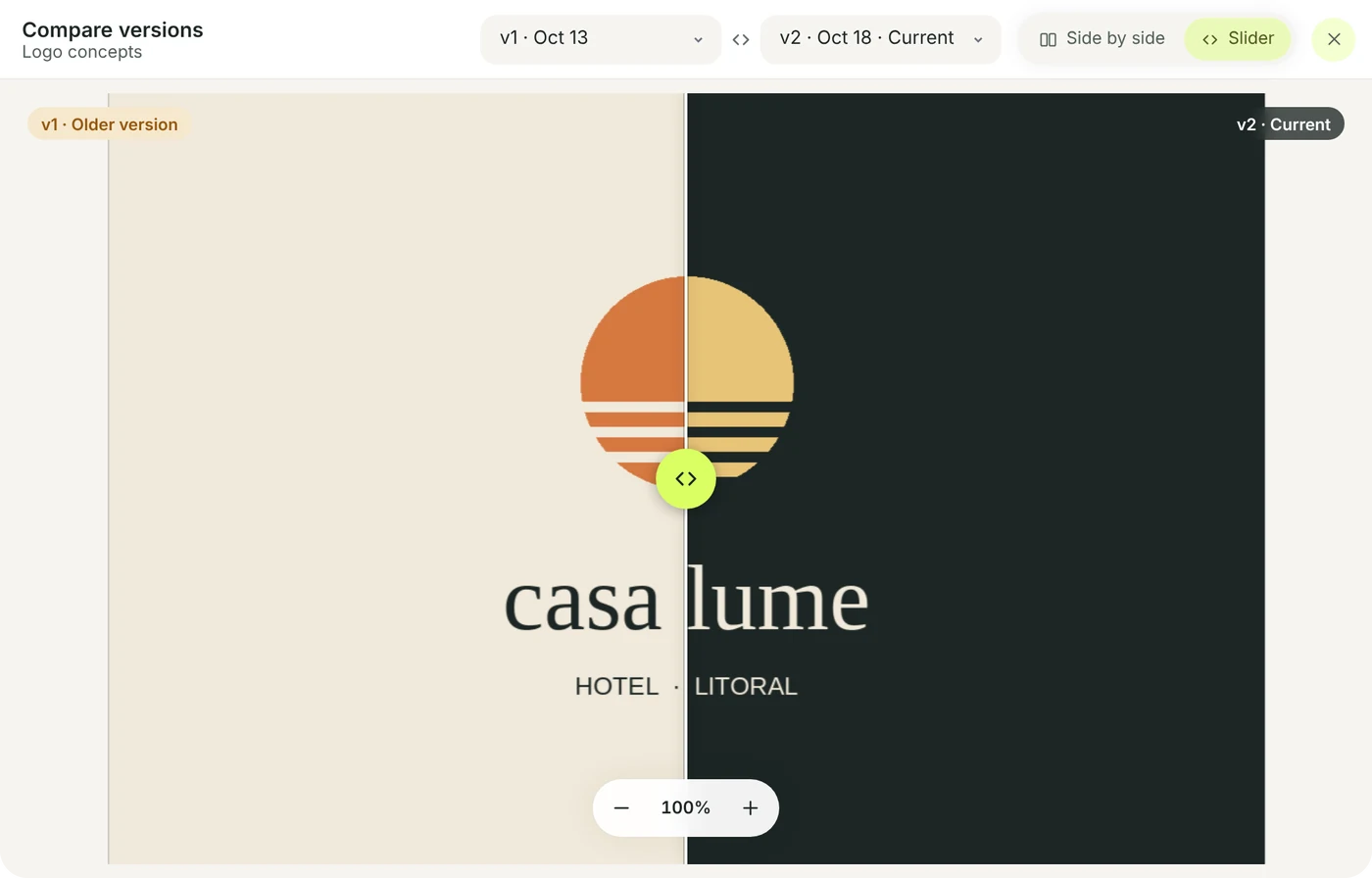
The new version next to the old one.
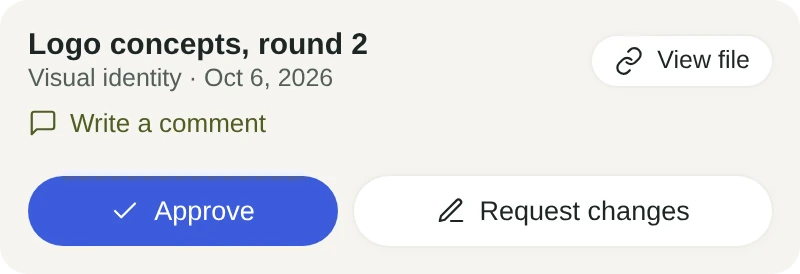
After a change request, upload the new version and compare it with the last one, side by side or with the slider. Choose the approvers and a deadline: any contact, or only once everyone has approved.
- E-mail reminders the day before and on the day, to whoever hasn’t approved
- Every decision is logged, with who and when
- An approved deliverable completes the task linked to it
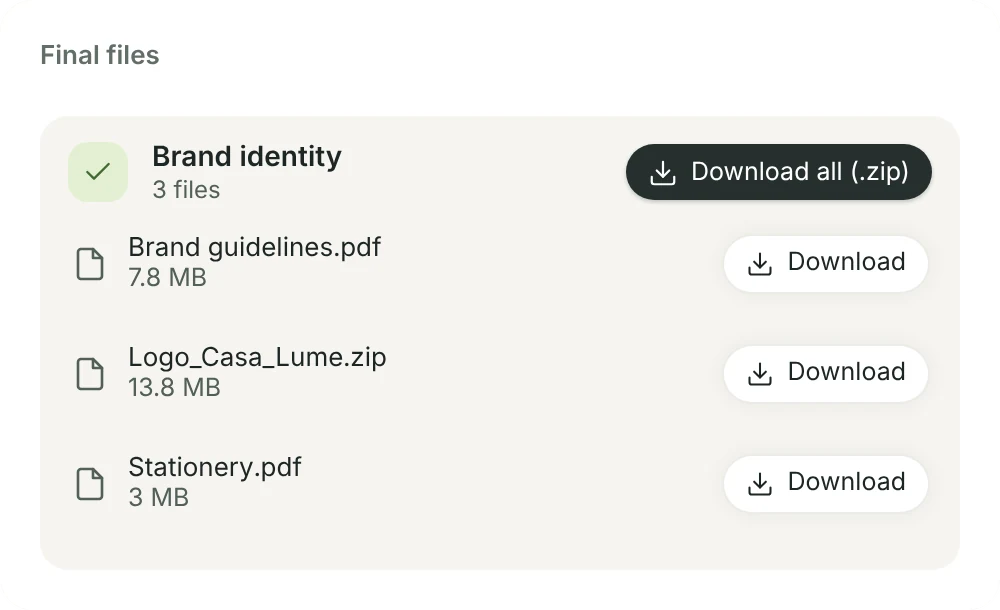
Shared folders and the final delivery.
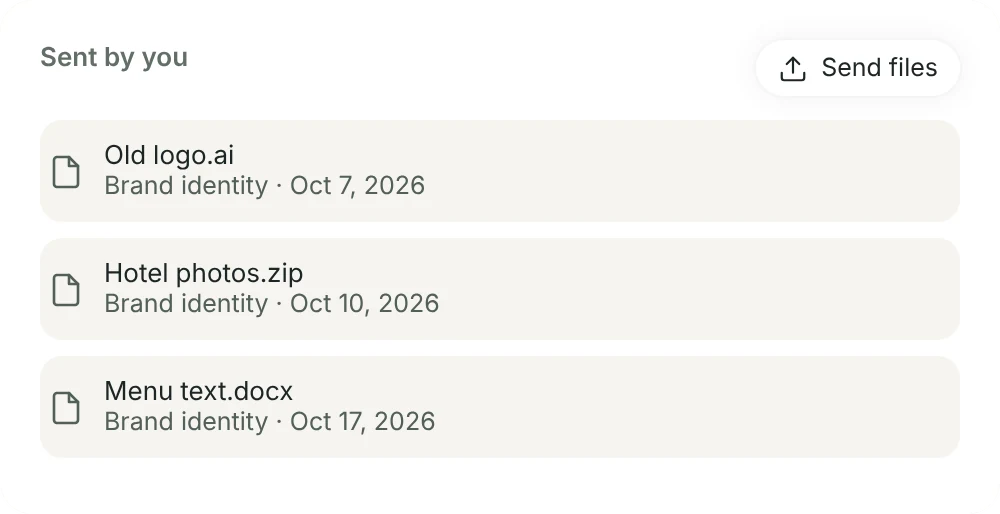
Share a folder and it appears in the client’s portal. Mark the project’s final delivery folder and they download everything at once. Whatever the client uploads in the portal lands in Client uploads.
- The final delivery skips approval: it’s ready to download
- The client uploads files tied to a project, with a note
- News for them goes in a single e-mail, at most every 15 minutes
Notes tied to the client, the project or the task.
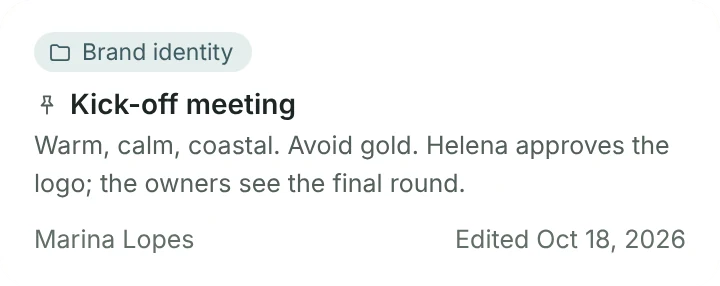
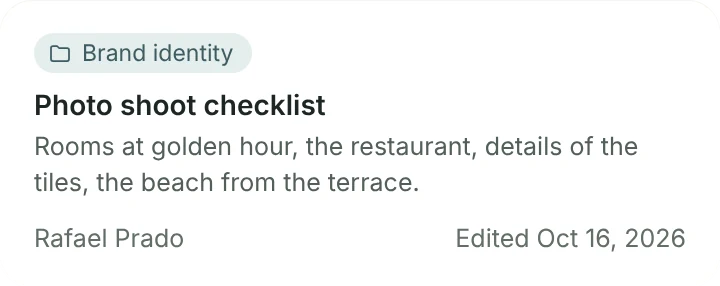
Meeting notes, briefs and ideas, with checklists and pictures. Link a note to a client, project, task or meeting and it shows up there too.
- Start from a template: meeting, call or brief
- Pin to the top keeps the important ones first
- Write with AI drafts a first version or sums up the note