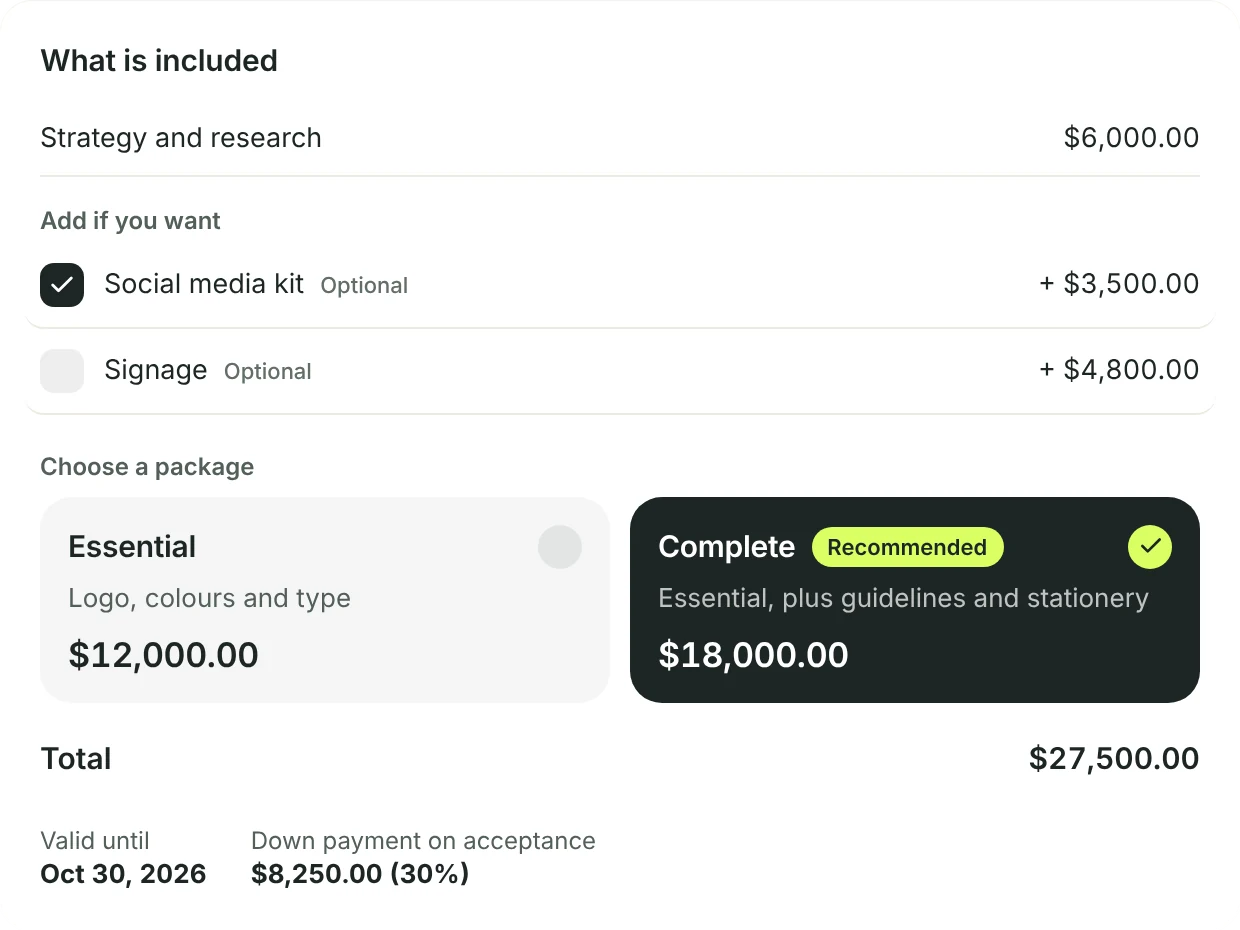
Two versions of the work. The client picks.
Offer packages, like Essential and Complete, and mark one as recommended. The client adds the extras they want and sees the total change as they go.
- Introduction, items, terms and a valid-until date, on a page with your brand
- The services you always sell wait in Services and prices, one tap away
- In another currency, prices convert at the day’s rate
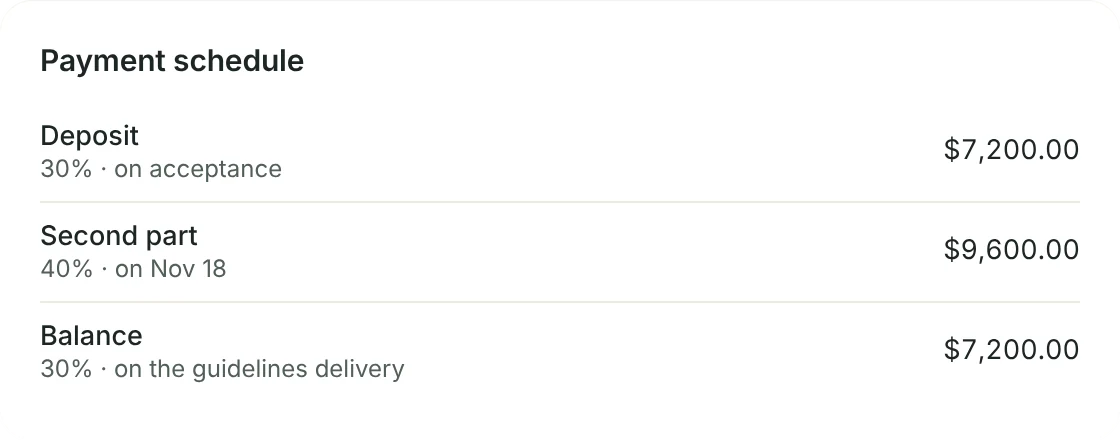
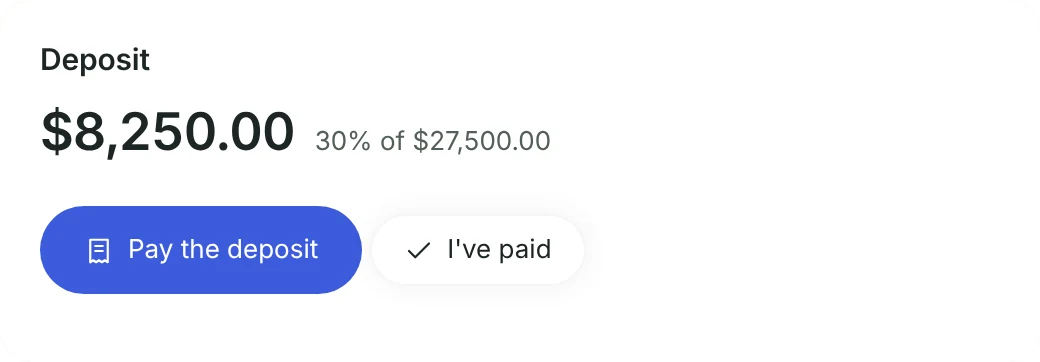
How and when the client pays, agreed up front.
Split the total into parts: on acceptance, on a date, or at a milestone you name, like delivering the guidelines. Each part becomes an invoice at the right time.
- With packages, use percentages so the amounts follow the client’s choice
- Pix, boleto or card for the deposit right on the proposal, with Asaas connected
- The client taps I’ve paid and attaches the receipt, even without the portal
Accepted. The project already exists.
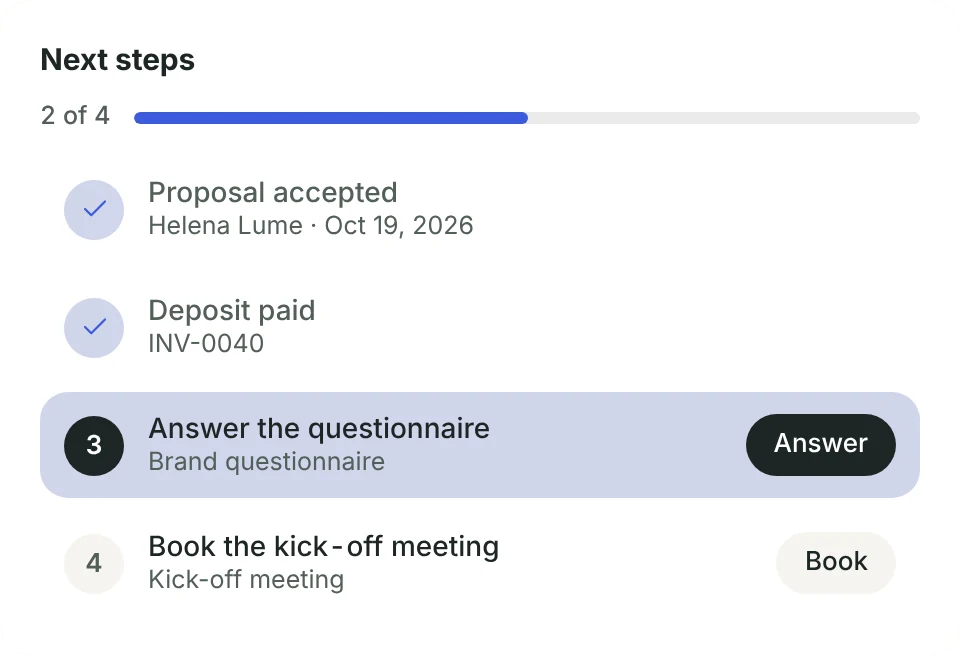
When the client accepts, gridOS creates the project and the invoices right away, even with the app closed. The client sees the next steps: pay the deposit, answer the questionnaire and book the kick-off meeting.
- The questionnaire goes out the moment they accept, and the project can start from a template
- You confirm the deposit receipt, or mark it as not received
- Proposal, contract, deposit and project in one line, so you see what’s missing

The contract goes with it. And comes back signed.
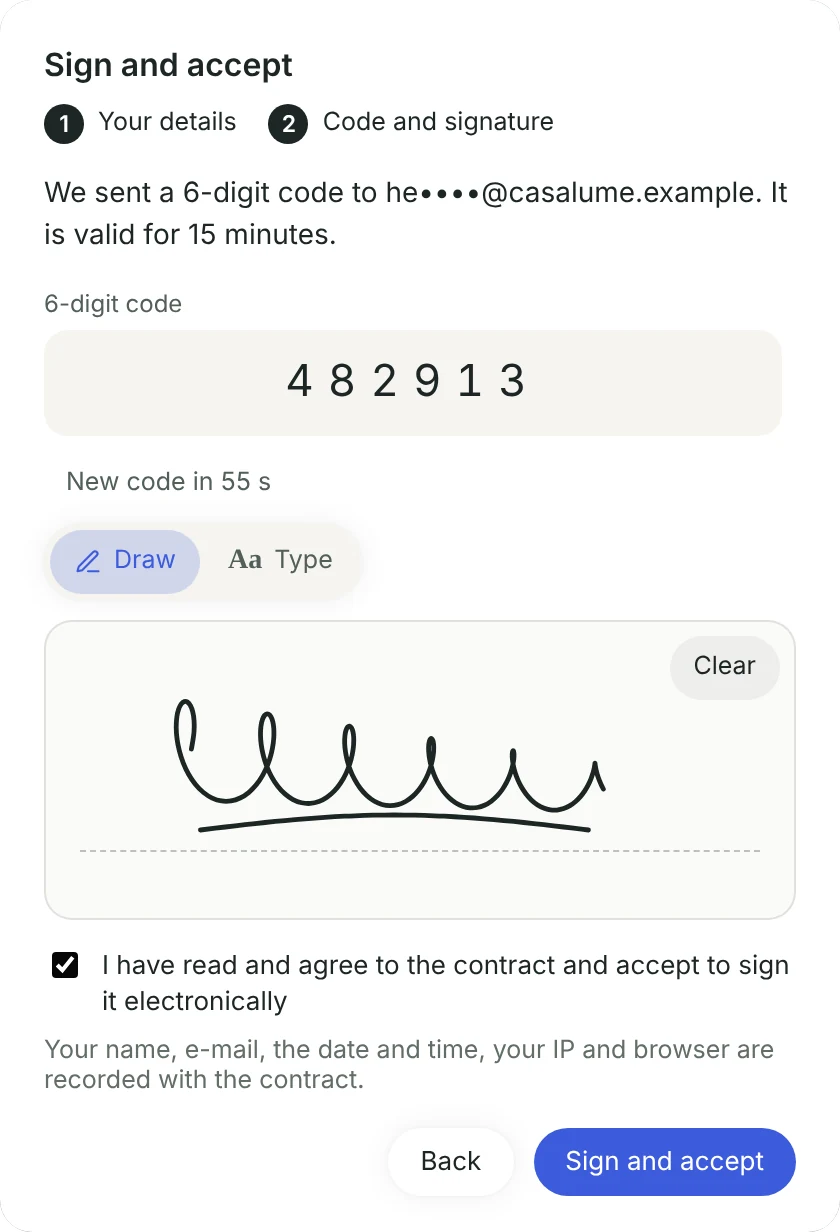
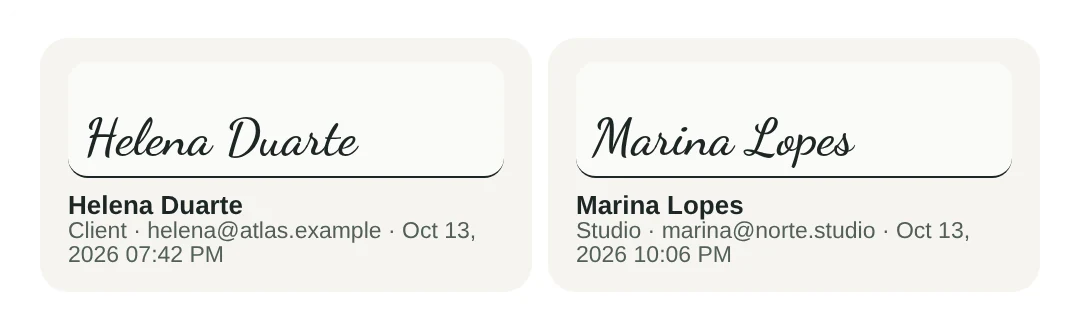
Attach a contract to the proposal. The client confirms their e-mail with a 6-digit code and signs on their phone, drawn or typed. Once both sides sign, they get the signed PDF by e-mail.
- Sign once and every contract you send goes out signed by the studio
- The signed PDF has a certificate page with e-mail, date, time and IP
- The contract also sits in the client portal, ready to download

Start from a template. Finish with a hand.
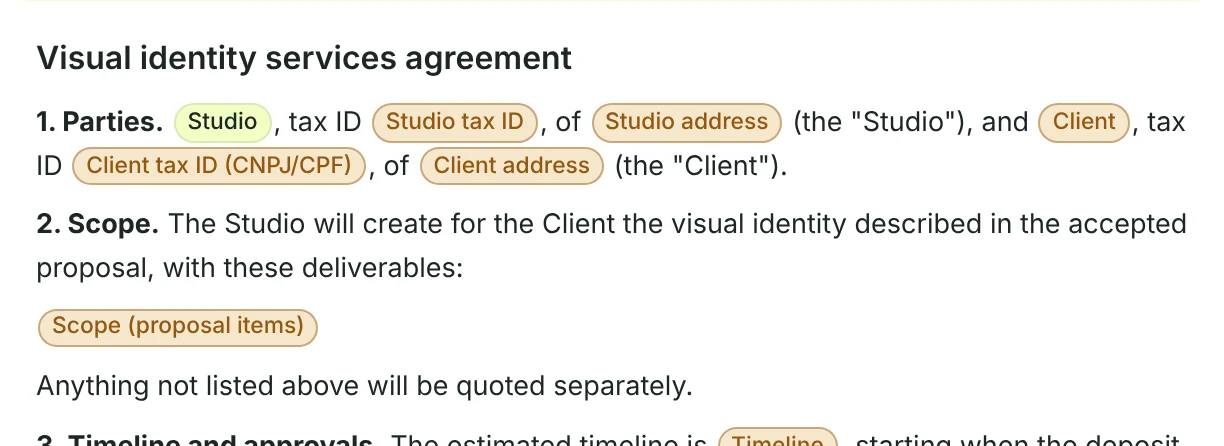
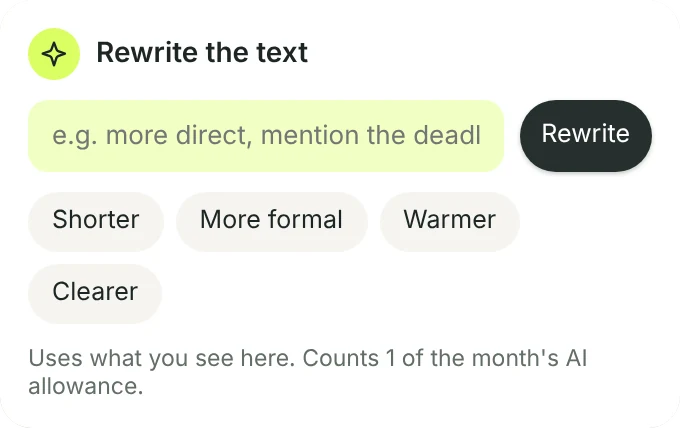
gridOS comes with contract templates in English, Portuguese and Spanish. Variables fill in the client, scope, total, payment terms, timeline and revision rounds. Write with AI drafts or rewrites the introduction.
- Before you send, gridOS shows what’s still missing in the contract
- Shorter, more formal, warmer or clearer, in one tap
- The AI uses only what’s in the proposal and never invents prices or dates