Switch a rule on once. It takes care of the rest.
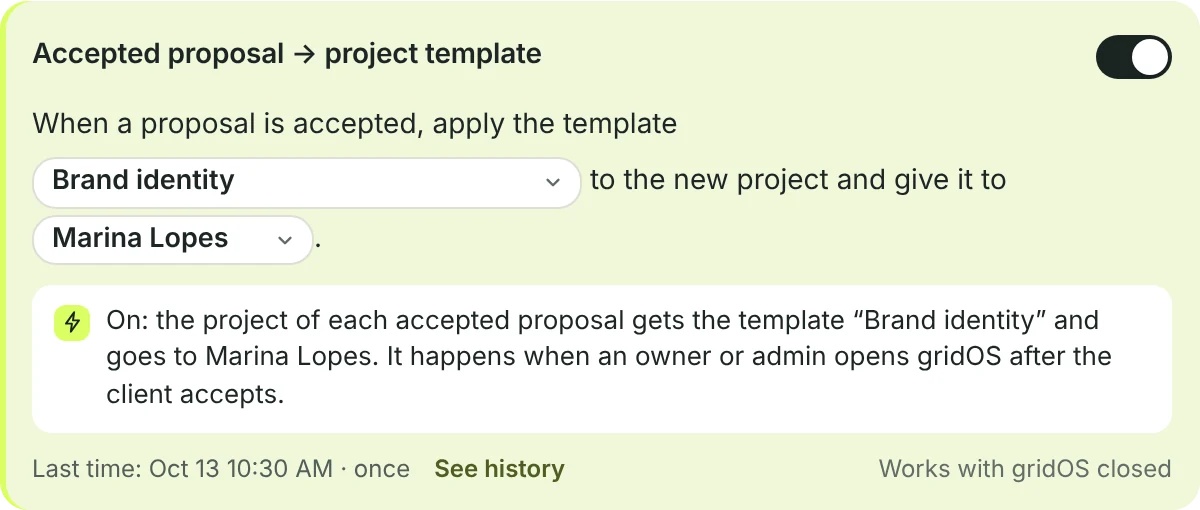
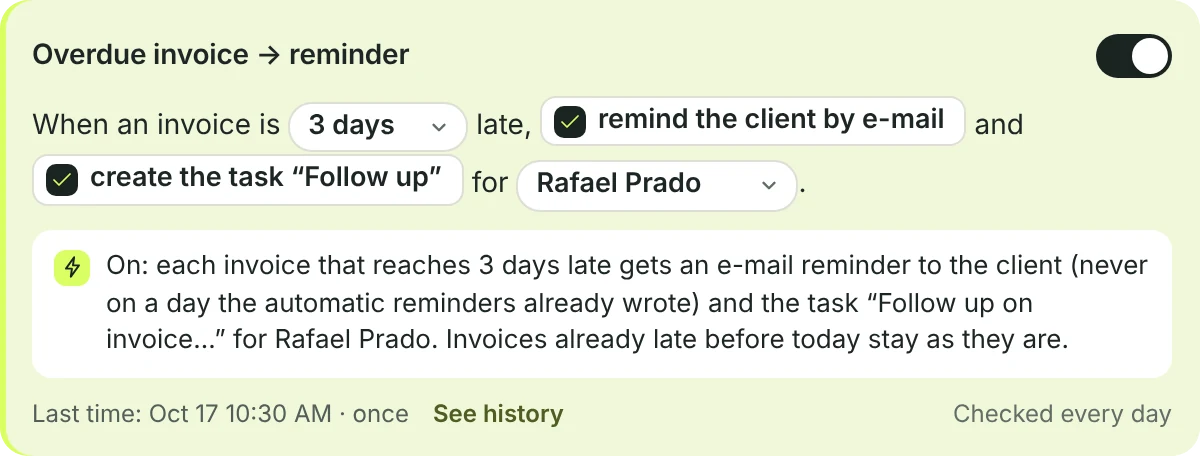
Ten ready-made rules, each off until you switch it on. Pick the person, the days and what to do, and see in its history everything it has done.
- Proposals: accepted → project template, and a questionnaire for the client
- Money: overdue invoice → an e-mail reminder and a task to follow up
- Projects: task in review → a notice; deliverable approved → next phase; project completed → archive and ask for a testimonial
- Clients: website request → lead with a follow-up; quiet lead → reminder; questionnaire answered → brief; portal request → the right person
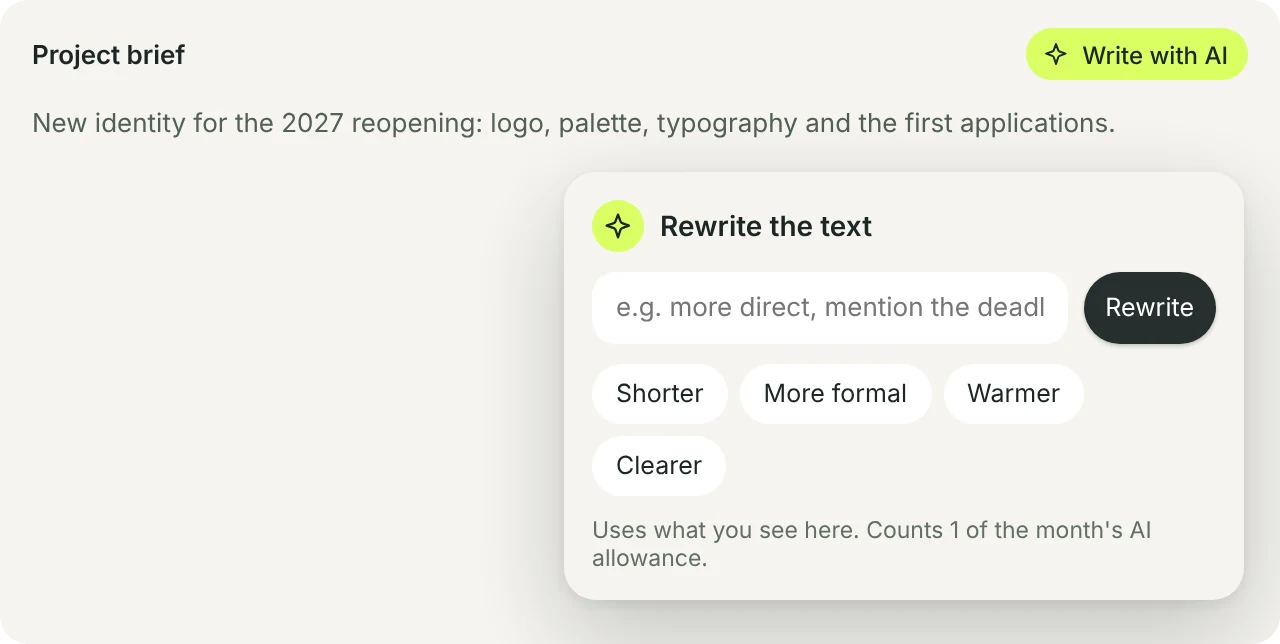
A first draft in seconds. You read it and send it.
Write with AI sits beside a proposal’s introduction, the message of an invoice, proposal or reminder e-mail, a project’s brief and your notes. Say what you want, or make it shorter, more formal, warmer or clearer.
- It uses only what’s on screen: no made-up prices, dates or promises
- The e-mail is written in the client’s language
- Undo brings back the text from before
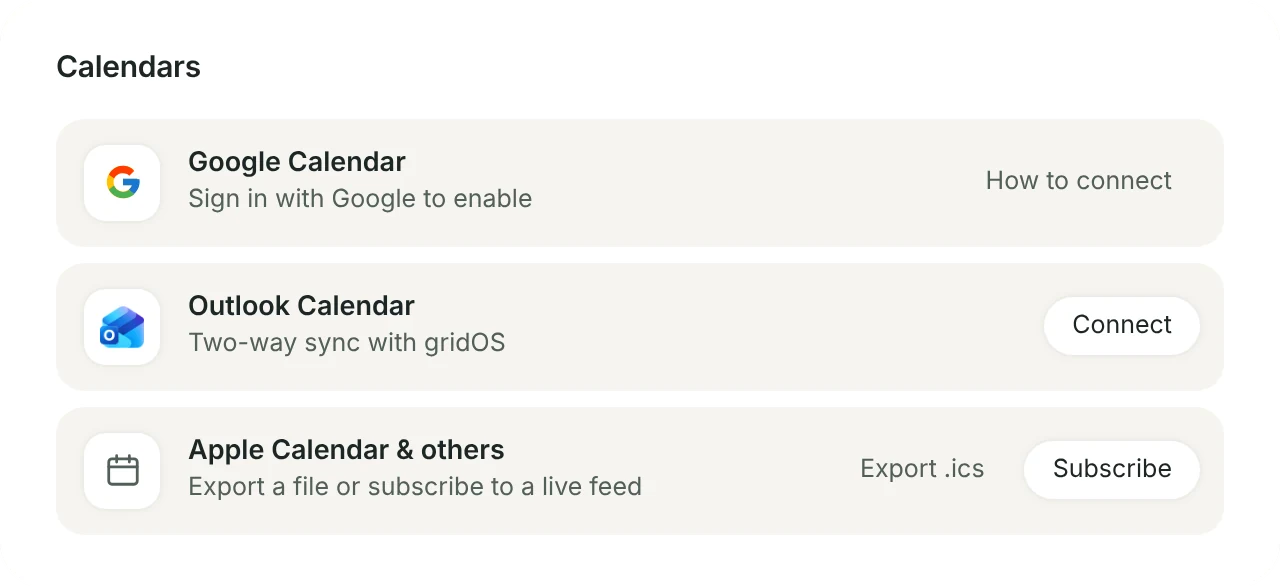
Google and Outlook, both ways.
Each person connects their own calendar. What you schedule in gridOS goes there, and what’s there shows here. Imported events stay private: the team sees only “busy”.
- Choose which calendar each event goes to
- Scheduling links leave out what’s busy in Google or Outlook
- Apple Calendar and other apps: subscribe, or export an .ics file
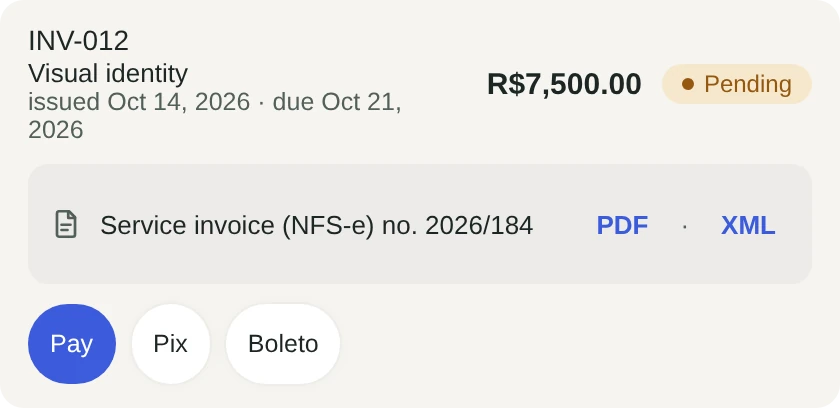
Pix, boleto and card that mark the invoice paid.
Connect your own Asaas account and each invoice in reais gets a Pix code, a boleto and a card link in the client’s portal. When the client pays, the invoice is marked paid, and the money goes straight to your account.
- Monthly charges the client authorises once: card, Pix Automático or Pix/boleto
- Service invoices (NFS-e) issued through Asaas, even by themselves when an invoice is paid
- Or Stripe, for clients to pay invoices by card from the portal
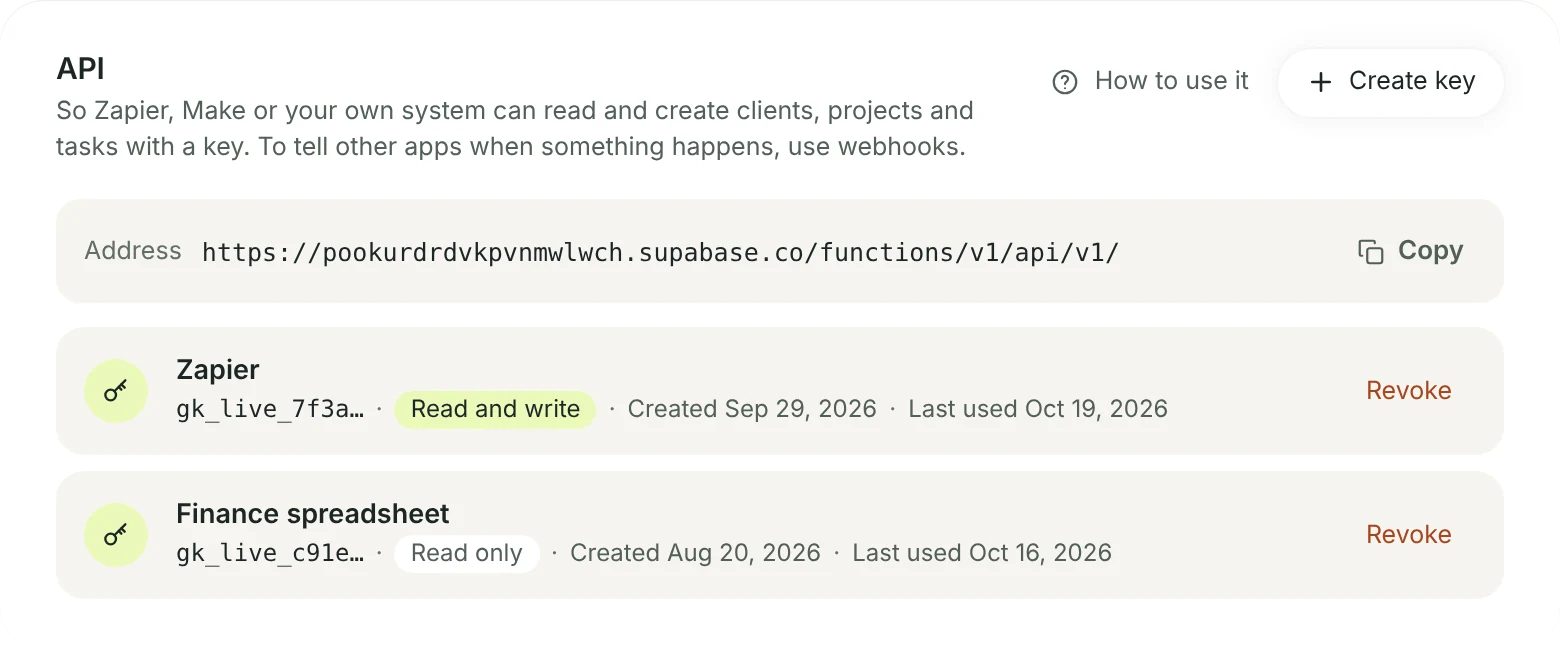
For developers: an API and webhooks.
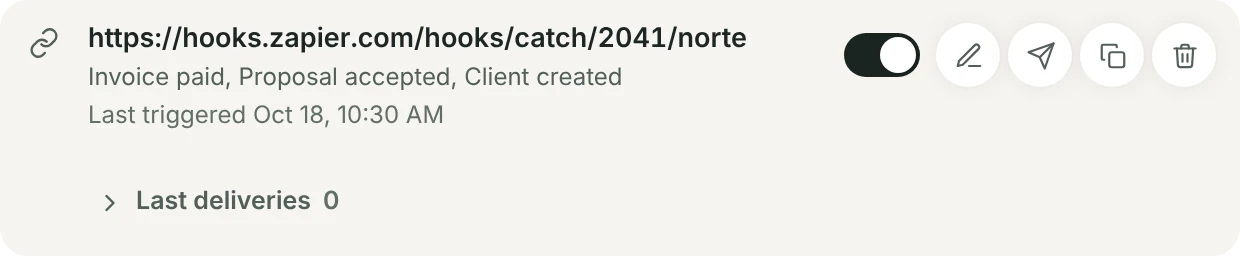
Create a read-only or a read-and-write key and connect Zapier, Make or a system of your own. Webhooks tell other apps when something happens in gridOS: an invoice paid, a proposal accepted, a new client.
- Read clients, projects, tasks, invoices and proposals; create clients, projects and tasks
- Each webhook delivery is signed, with a test and a list of the last deliveries
- A revoked key stops working at once